
Cable Identification Printer
M100C
Create clear, durable cable identification wherever the job takes you.
Print heat-shrink sleeves, self-laminating labels, flag labels and other professional identification formats from a mobile device or computer.
Everything you need for cable identification in the field.
Identify cables with the right format
Create heat-shrink sleeves, self-laminating labels and flag labels for different cable identification tasks.
Identify cables with the right format
Create heat-shrink sleeves, self-laminating labels and flag labels for different cable identification tasks.
Identify cables with the right format
Create heat-shrink sleeves, self-laminating labels and flag labels for different cable identification tasks.
See where M100C fits into your work.
Create and update cable identification across telecom networks, data centers, electrical installations and field maintenance tasks.
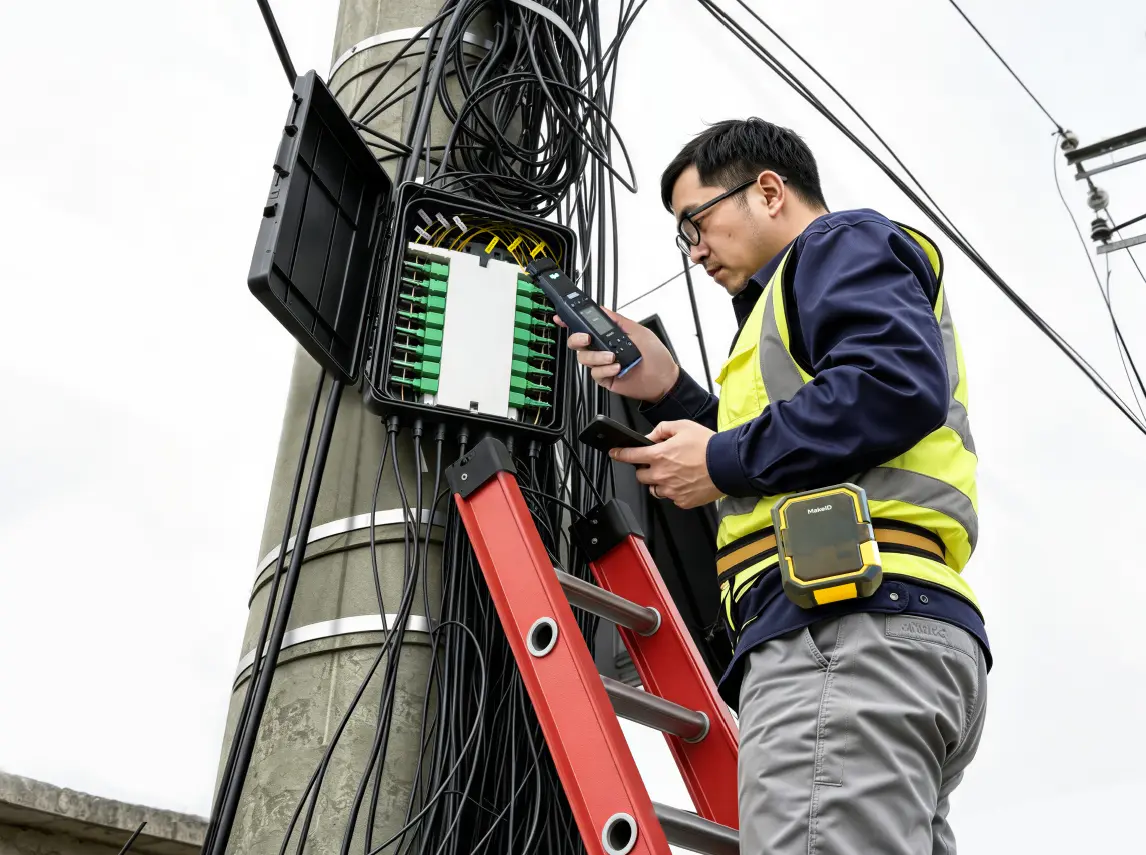
Keep telecom and fiber connections identifiable.
Identify cables, distribution points and connections across telecom and fiber networks.
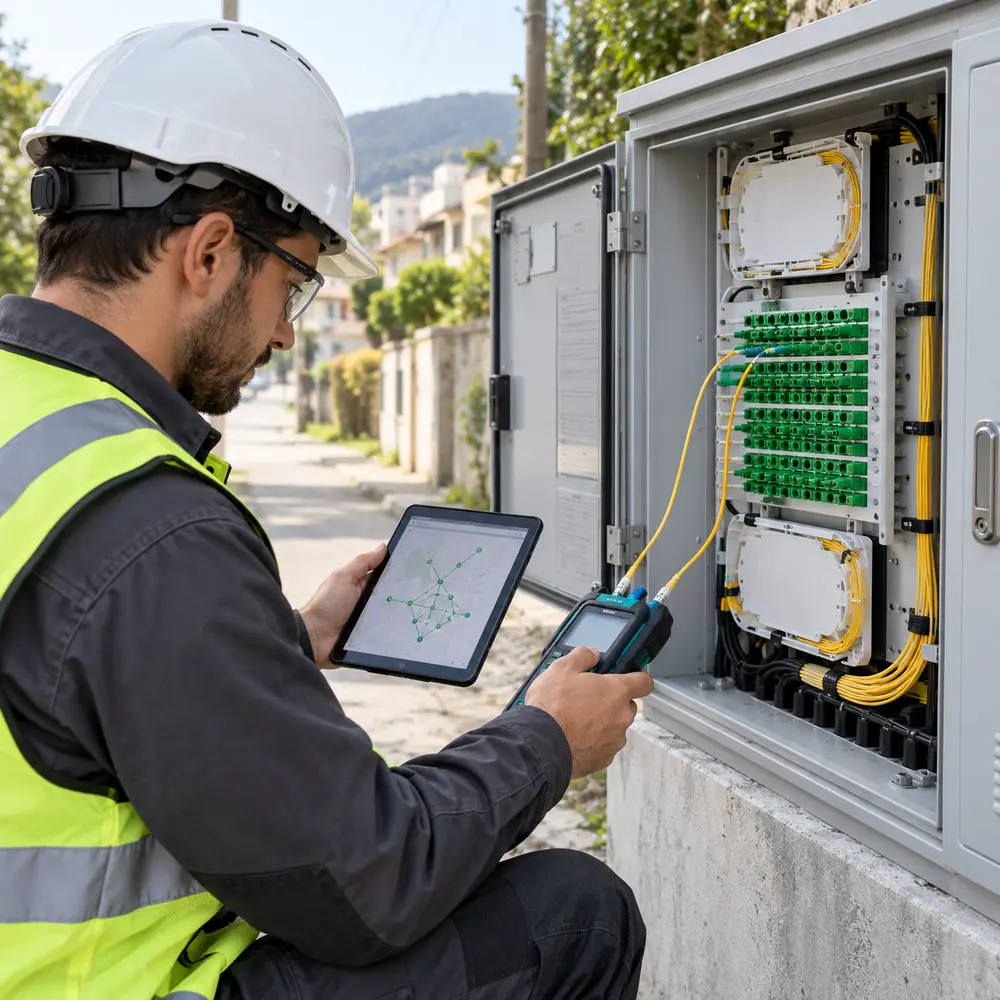
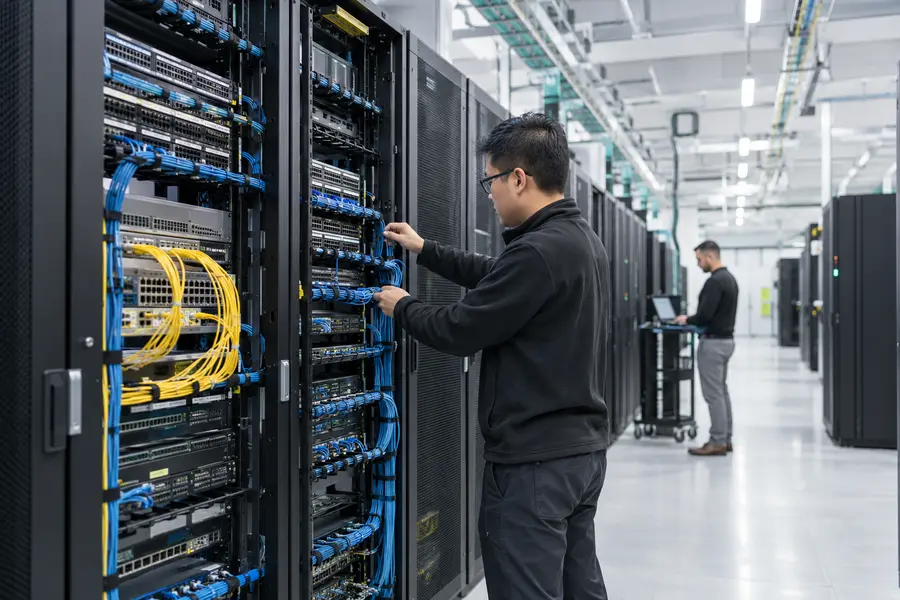
Trace data center connections faster.
Label patch cords, ports and equipment connections for installation and maintenance.
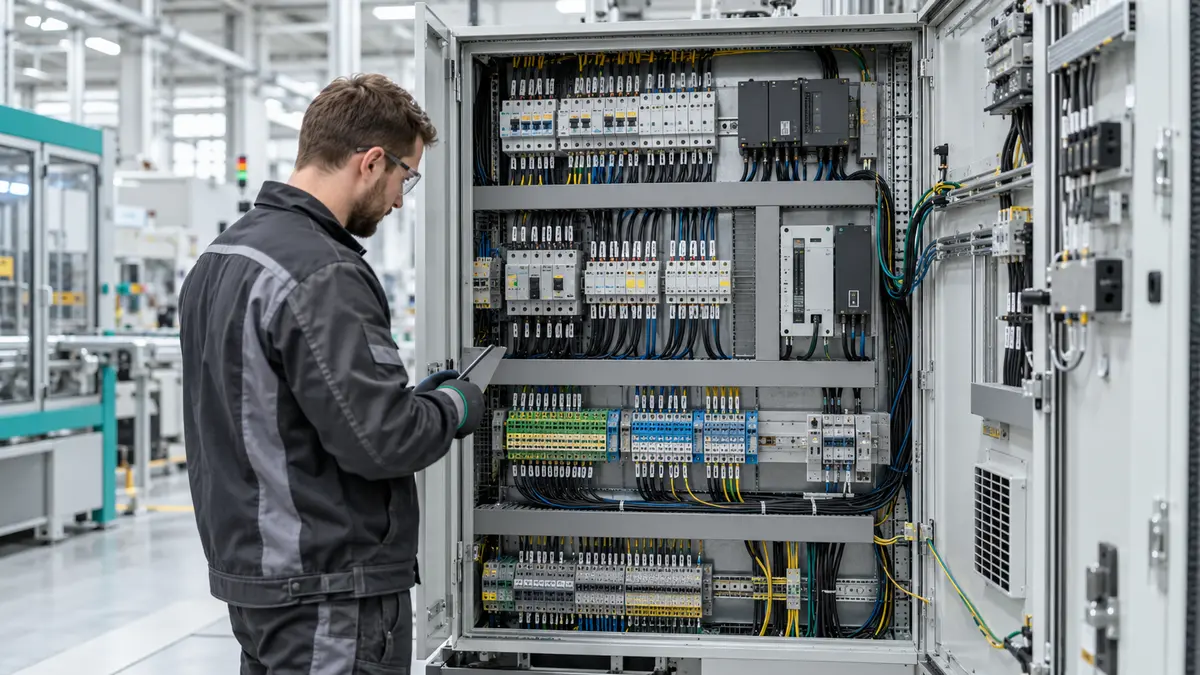
Organize wires and terminals clearly.
Create readable identification for control cabinets, terminals and electrical wiring.
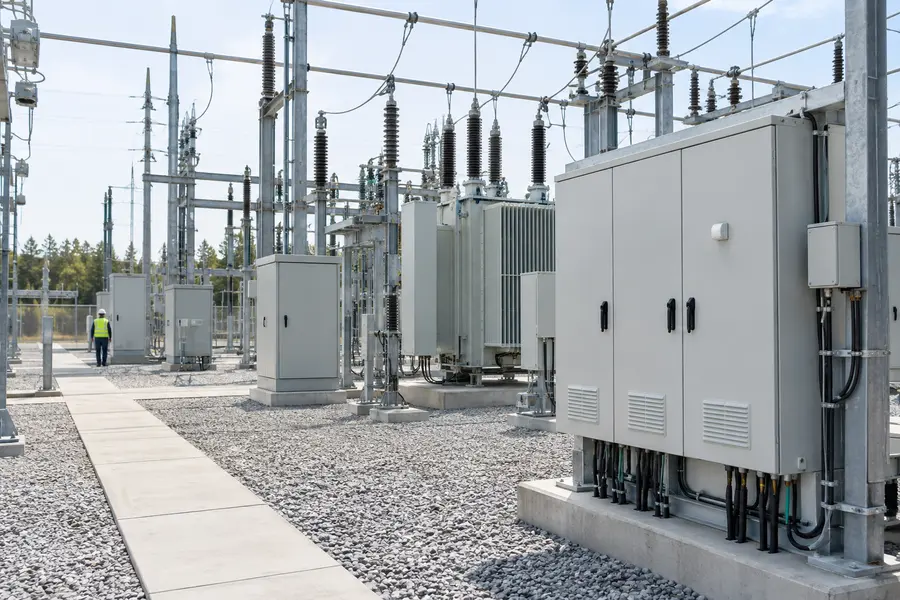
Update identification during field service.
Print replacement or newly required labels directly at the point of work.
Choose the right label for the job.
Select a label format based on cable type, installation stage, available space and identification requirements.
Supply roll + printed sample
Heat-Shrink Sleeves
Choose for permanent identification applied before cable termination.
Supply roll + printed sample
Heat-Shrink Sleeves
Choose for permanent identification applied before cable termination.
Supply roll + printed sample
Heat-Shrink Sleeves
Choose for permanent identification applied before cable termination.
Supply roll + printed sample
Heat-Shrink Sleeves
Choose for permanent identification applied before cable termination.
Create labels in three steps.
Move from label design to clear, readable identification at the point of work.
Mobile or desktop label design
Design the information you need
Create an individual label on mobile or prepare structured templates and batch jobs on a computer.
On-site printing and application
Print and apply it on site
Print the required label and apply it to the correct cable, wire or component.
Clearly identified cable connection
Leave every connection clearly identified
Make future installation, maintenance and troubleshooting easier with readable identification.
Check the specs that matter.
Review the essential information for print quality, label capacity, connectivity and field use.
| Print technology | Thermal transfer |
| Resolution | 300 dpi |
| Maximum print width | 1 in / 25.4 mm |
| Print speed | 25.4 mm/s |
| Connection | Bluetooth and USB-C |
| Software | MakeID Label Pro (mobile) and MakeID Label Design (desktop) |
| Battery | 2600 mAh rechargeable; up to 2.5 hours continuous printing* |
| Job-site readiness | Magnetic mount, 1.5 m drop resistance, belt clip option |
| Size / weight | 146 × 118 × 62 mm / 600 g |
Choose the right printer.
Compare print width, portability, label formats and work environments to find the model that fits your application.
| Feature | M100CCurrent model | M200D | M200E | M400B |
| Best for | Cable identification | General mobile labeling | Rugged field labeling | Industrial identification |
| Printer class | 1 inch portable | 2 inch portable | 2 inch rugged portable | 4 inch industrial |
| Resolution | 300 dpi* | 300 dpi* | 300 dpi* | 300 dpi* |
| Connectivity | Bluetooth / USB | Bluetooth / USB | Bluetooth / USB | Ethernet / USB* |
| Cutter | Manual | Automatic* | Automatic* | Automatic* |
| Label formats | Cable-focused formats | Wider general formats | Wider field formats | Industrial and asset formats |
| Work environment | Field installation | Office and mobile work | Demanding field work | Desktop industrial work |
| View printer | View M100C → | View M200D → | View M200E → | View M400B → |
Get the resources you need.
Access M100C guidance, product information and software—from evaluation to everyday use.
Evaluate M100C for your application
Review its key benefits, compatible labels, applications and technical information.
Set up and use your printer
Find installation, operation and maintenance instructions for M100C.
Create and print labels
Download MakeID software for mobile and desktop label design workflows.
Need help choosing the right printer and labels?
Tell us what you need to identify, where the labels will be used and how your team works. We’ll help you find the right setup.