
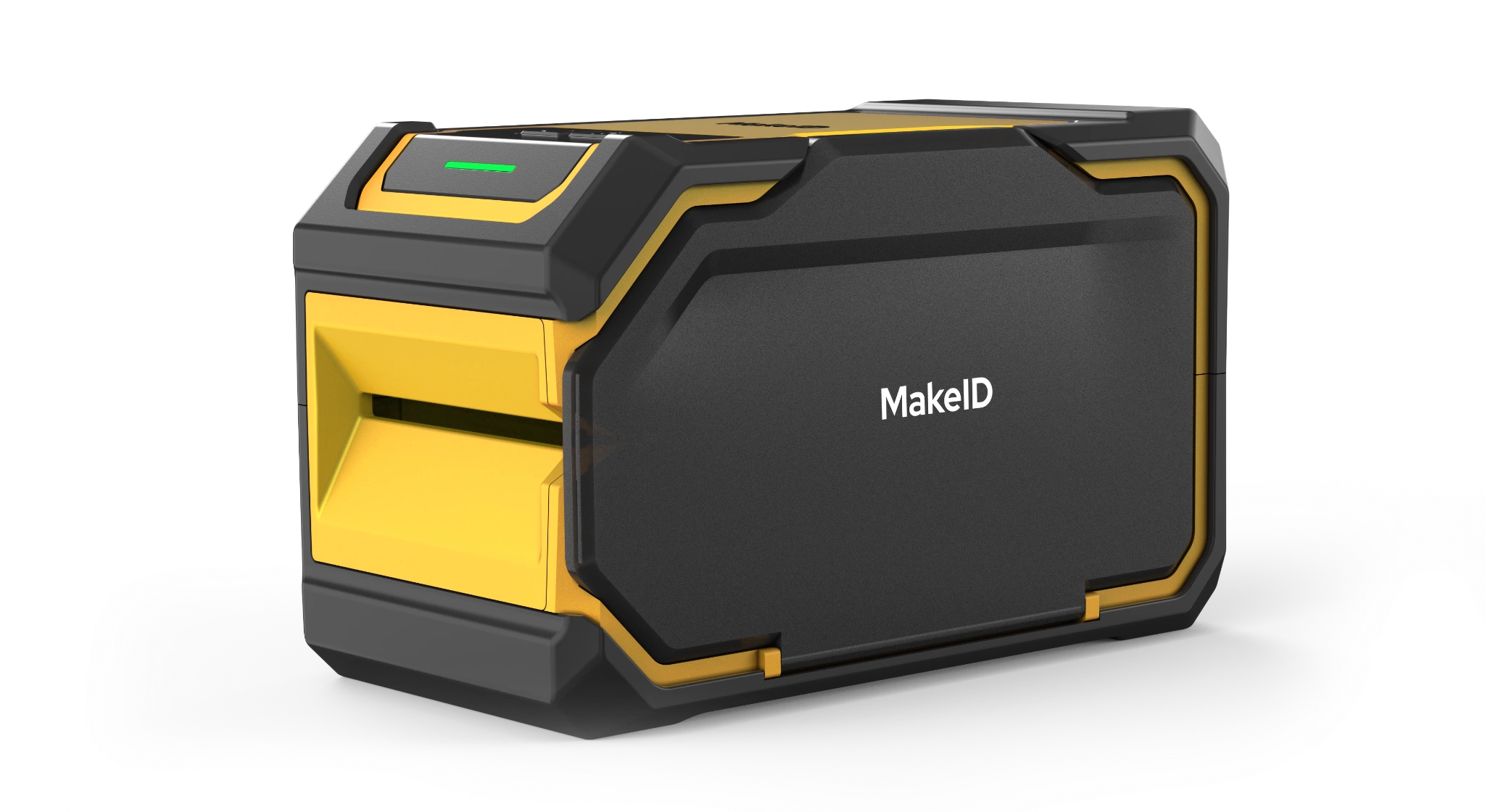
Rugged 2-Inch Auto-Cut Label Printer
M200E
Built for tougher labeling jobs.
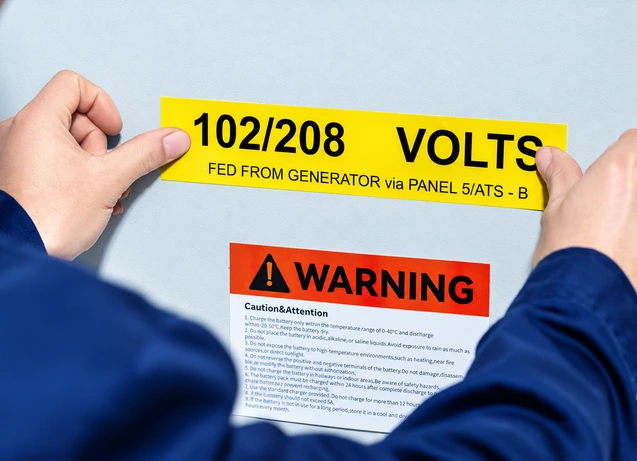
Print 48 mm equipment, facility and asset labels with a rubberized body, automatic cutting and no leading or trailing blank margin.
Rugged hardware, finished output, less wasted label
Better suited to demanding work
A rubberized housing and 0.6 m drop-resistance rating support industrial and field maintenance.
Print and cut in one workflow
The automatic cutter separates each finished label without manual tearing.
Use more of every label
Automatic reverse positioning removes leading and trailing blank margin to reduce material waste.
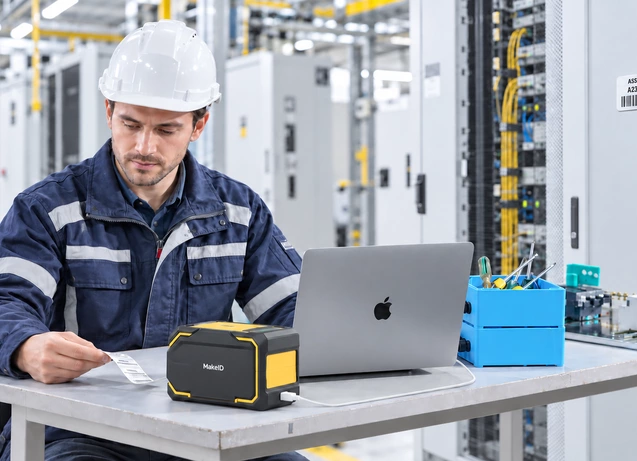
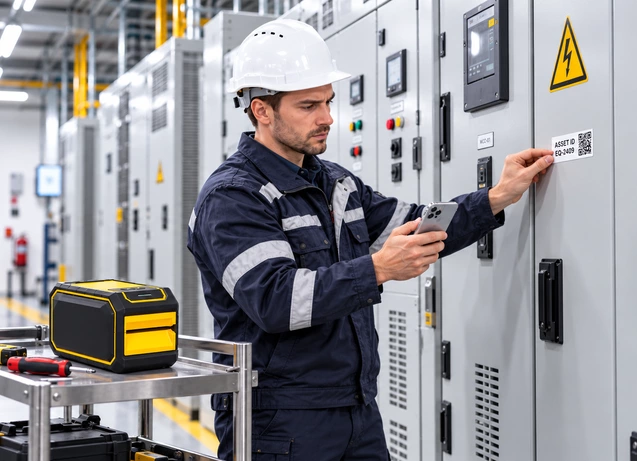
Place M200E where tougher, repeated labeling work happens
Materials for different surfaces and environments
Choose materials to match the surface, durability and flexibility your job requires.
PET
Durable polyester for equipment and facility identification.
Metallic PET
A metallic finish for nameplate-style equipment and asset labels.
Self-Laminating Film
A printable cable label with a clear protective overlaminate.
Nylon
Flexible material for curved, textured and irregular surfaces.
Check the specs that matter
| Print technology | Thermal transfer |
| Maximum print width | 48 mm |
| Resolution | 300 dpi |
| Weight | Approx. 1250 g, excluding supplies |
| Drop resistance | 0.6 m |
| Print speed | 30 mm/s |
| Cutter | Automatic cutter |
| Label types | Continuous, gap and black-mark labels |
| Label margin | Automatic reverse positioning; no leading or trailing blank margin |
| Connectivity | Bluetooth and USB-C (Type-C) |
| Battery | 2600 mAh rechargeable; approx. 1.5 h working time* |
| Display | No display |
| Software | MakeID Label Pro (mobile) and MakeID Label Design (desktop) |
*Working time is based on the TDS test condition of 12.5% print coverage.
Choose the right printer
| Feature | M100C | M200D | M200ECurrent model | M400B |
| Best for | Cable identification | Equipment & asset labeling | Repeated labeling | Wide-format identification |
| Print width class | 1-inch | 2-inch | 2-inch | 4-inch |
| Core advantage | Cable-specific formats | Lightweight personal carry | Jobsite labeling station | Portable wide-format |
| Cutter | Manual cutter | Tear-off | Automatic cutter | Tear-off |
| View printer | View M100C → | View M200D → | View M200E → | View M400B → |
Get the resources you need
Need a rugged 2-inch labeling setup?
Tell us about the work environment, cutting workflow and label volume, and we’ll help you configure M200E.