
Lightweight 2-Inch Portable Label Printer
M200D
More label width. Less to carry.
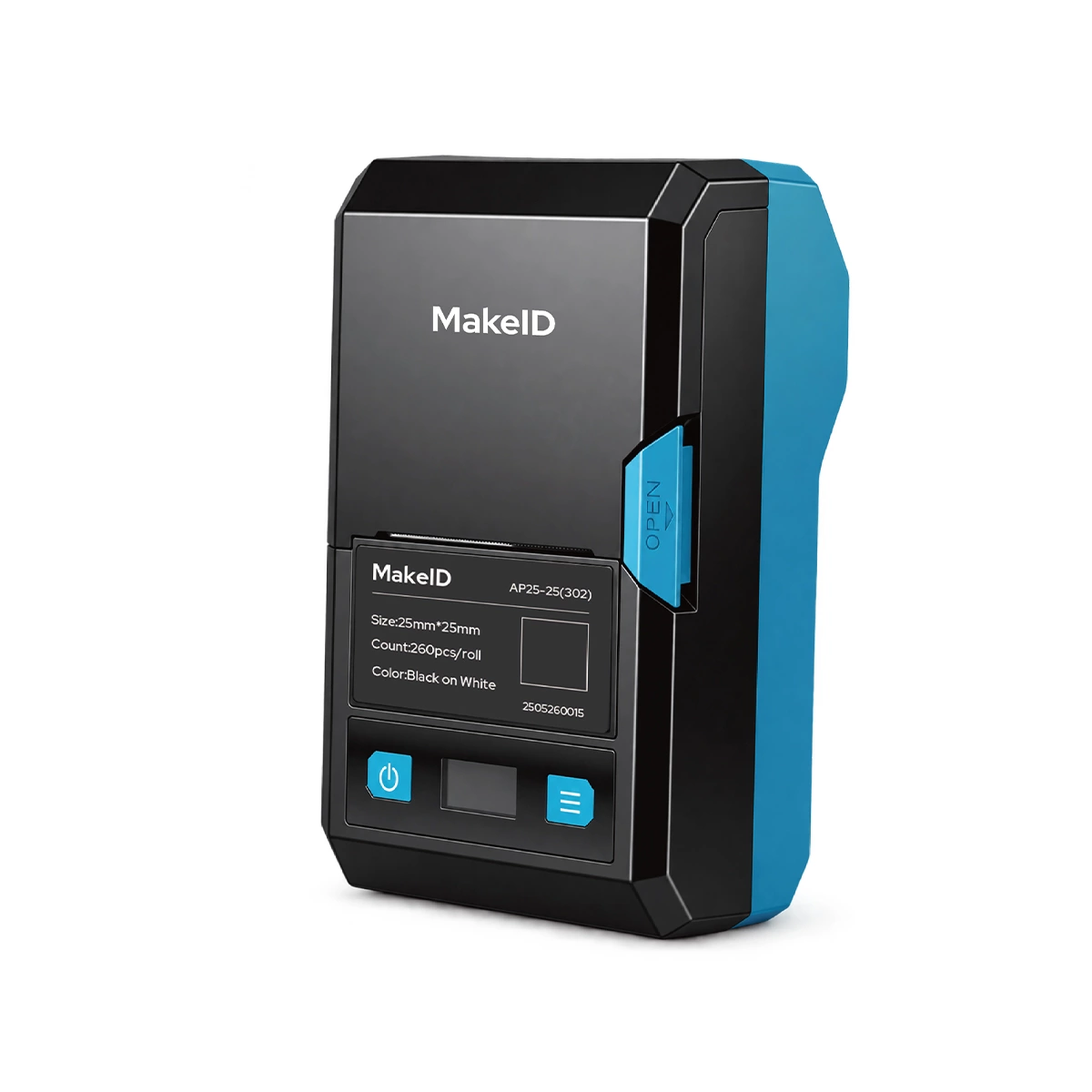
Print equipment, asset and QR-code labels up to 48 mm wide in a lightweight 460 g portable format.
A wider label format without the carry burden
Carry less on every job
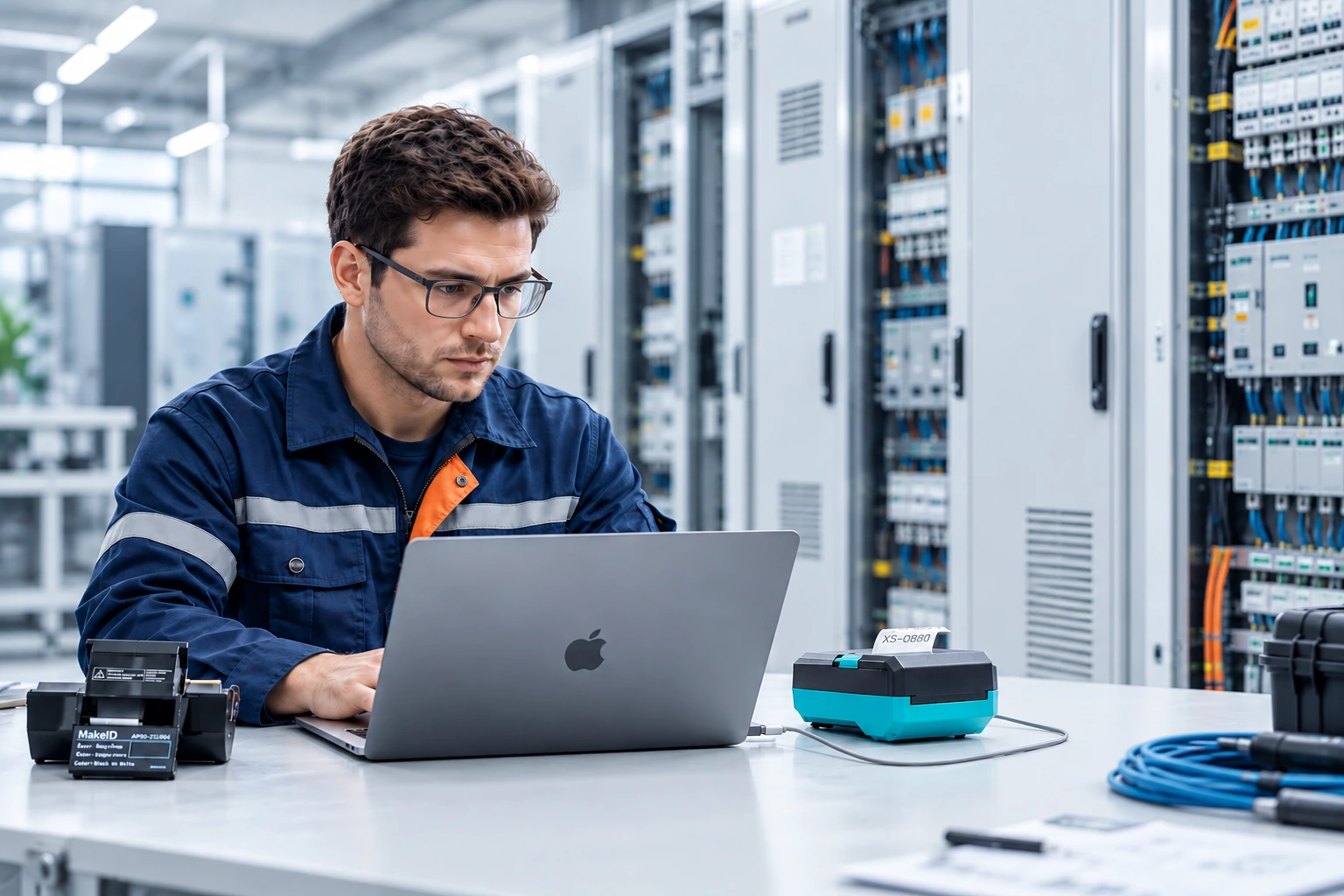
A lightweight 2-inch printer for technicians who move between rooms, sites and assets.
Fit more on each label
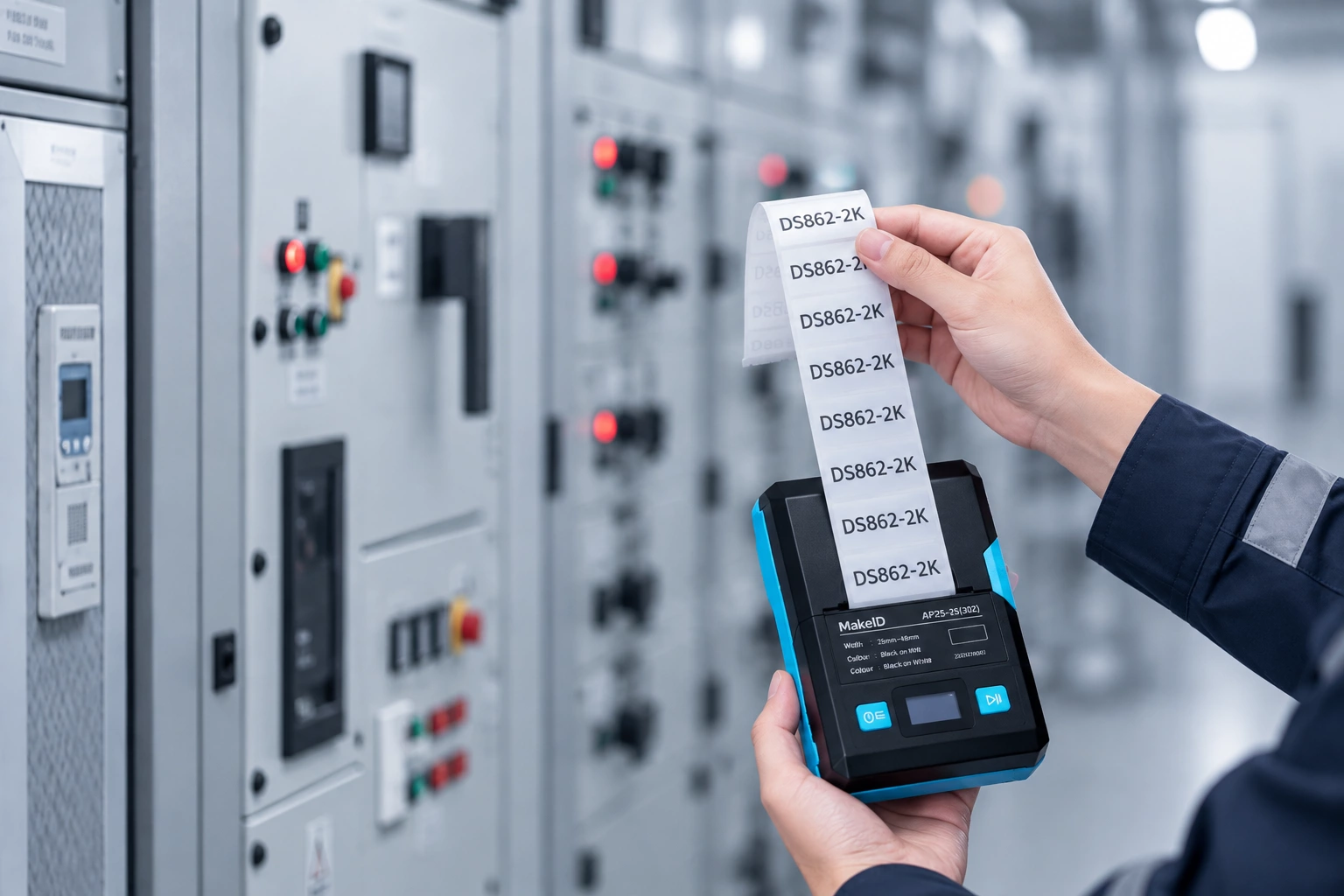
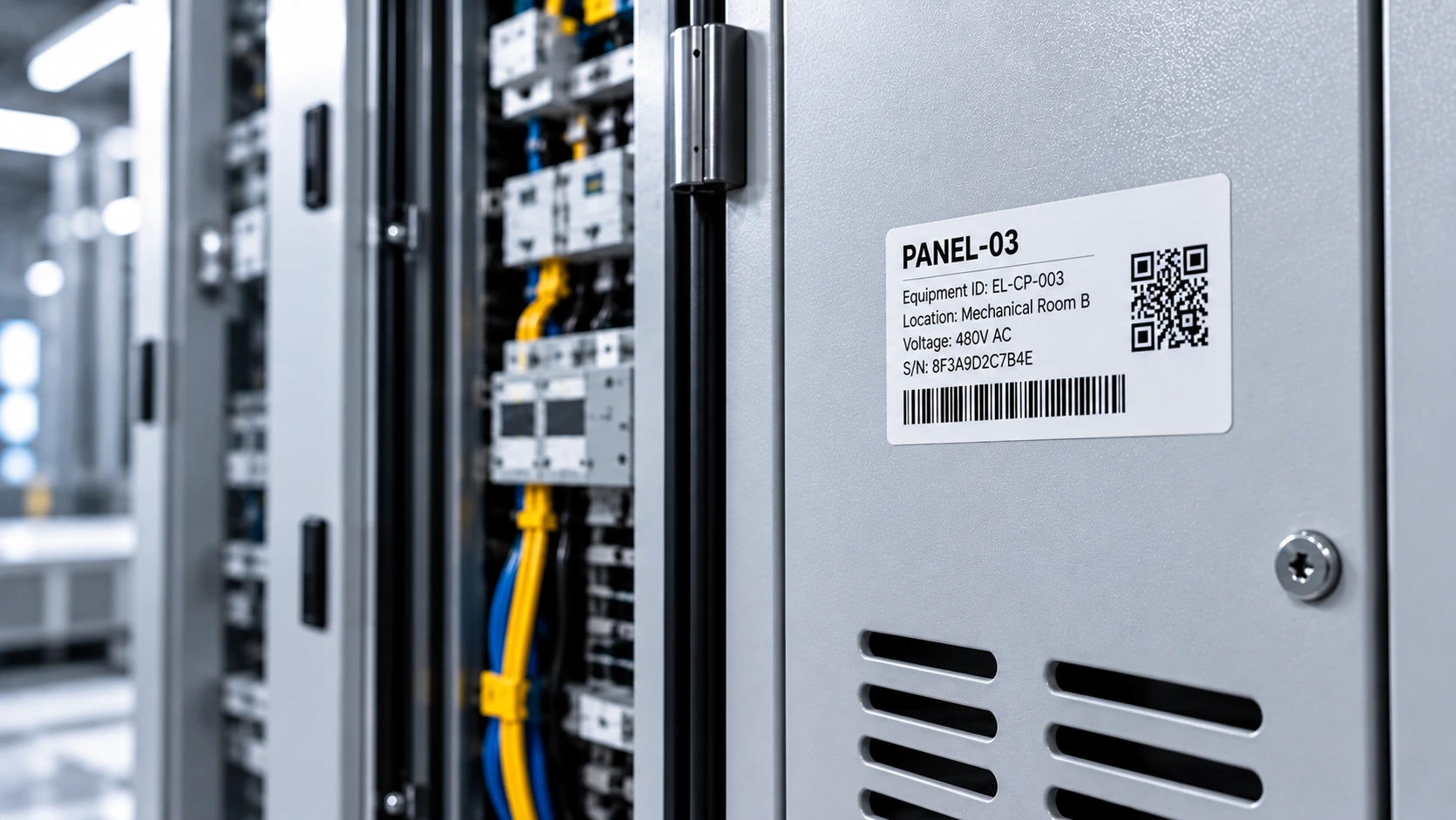
Create readable equipment IDs, asset numbers and QR codes with up to 48 mm print width.
Integrated Label Cartridge
Load and print without manual adjustment.
See where M100C fits into your work
Choose the right material for the surface
Different materials and constructions support flat, curved and cable surfaces.
PET
Durable polyester for long-term professional identification.
Metallic PET
A metallic finish for nameplate-style equipment and asset labels.
Self-Laminating Film
A printable cable label protected by a clear overlaminate.
Nylon
Flexible material for curved and irregular surfaces.
Check the specs that matter
| Print technology | Thermal transfer |
| Maximum print width | 48 mm |
| Resolution | 300 dpi |
| Weight | Approx. 460 g, excluding supplies |
| Print speed | 35 mm/s |
| Label types | Gap labels and black-mark labels |
| Connectivity | Bluetooth and USB-C (Type-C) |
| Battery | 2600 mAh rechargeable; up to 2.5 h working time |
| Display | 0.96 in status display |
| Software | MakeID Label Pro (mobile) and MakeID Label Design (desktop) |
Choose the right printer
| Feature | M100C | M200DCurrent model | M200E | M400B |
| Best for | Cable identification | Equipment & asset labeling | Repeated labeling | Wide-format identification |
| Print width class | 1-inch | 2-inch | 2-inch | 4-inch |
| Core advantage | Cable-specific formats | Lightweight personal carry | Jobsite labeling station | Portable wide-format |
| Cutter | Manual cutter | Tear-off | Automatic cutter | Tear-off |
| View printer | View M100C → | View M200D → | View M200E → | View M400B → |
Get the resources you need
Evaluate M200D for your application
Review key benefits, compatible labels, applications and technical information.
Set up and use your printer
Find installation, operation and maintenance instructions for M200D.
Need a lightweight printer for mobile labeling?
Tell us what you label and where you work, and we’ll help you configure the right M200D setup.