
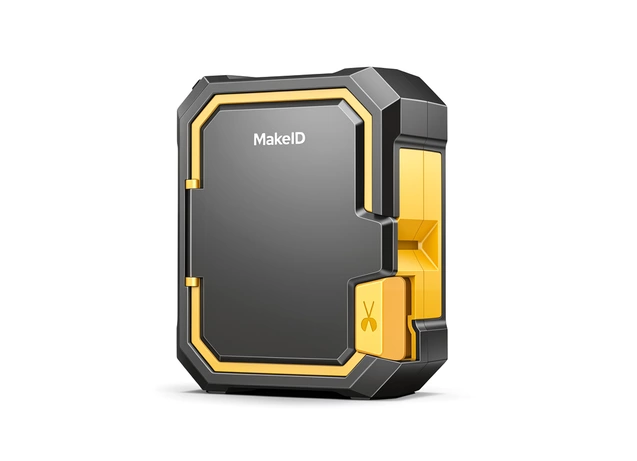
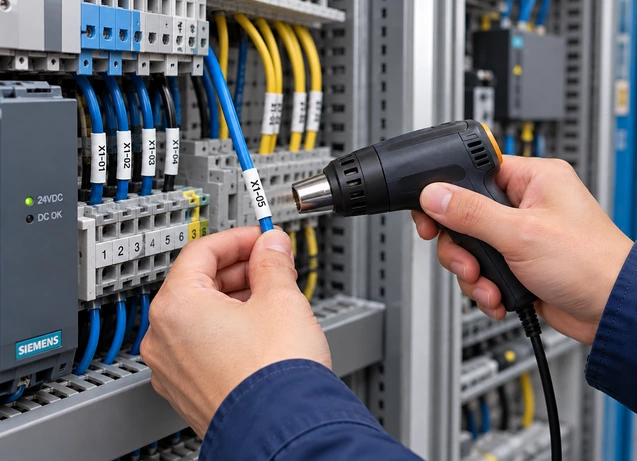
Cable Identification Printer
M100C
Create clear, durable cable labels wherever the job takes you.
Print heat-shrink tubing, self-laminating labels and flag labels from a mobile device or computer.
Everything you need for cable identification in the field
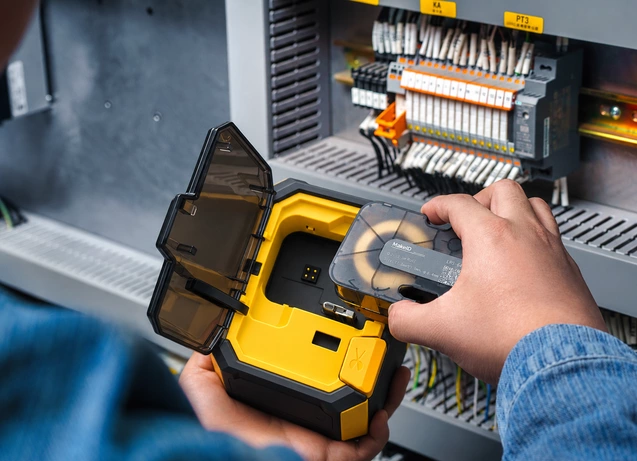
Identify cables with the right format
Create heat-shrink tubing, self-laminating labels and flag labels for different cable identification tasks.
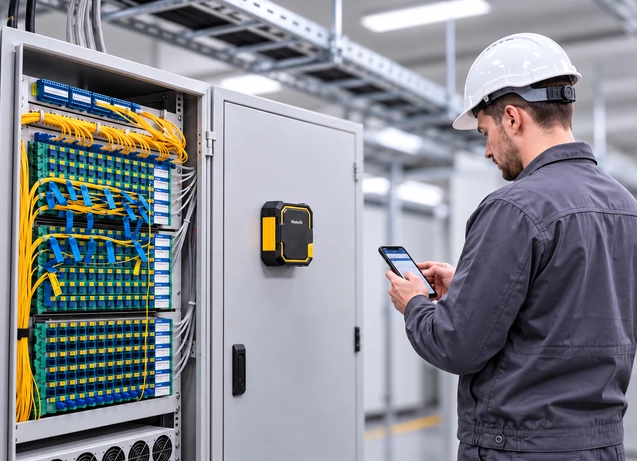
Print at the point of work
Carry M100C to installation and maintenance sites and create identification where it is needed.
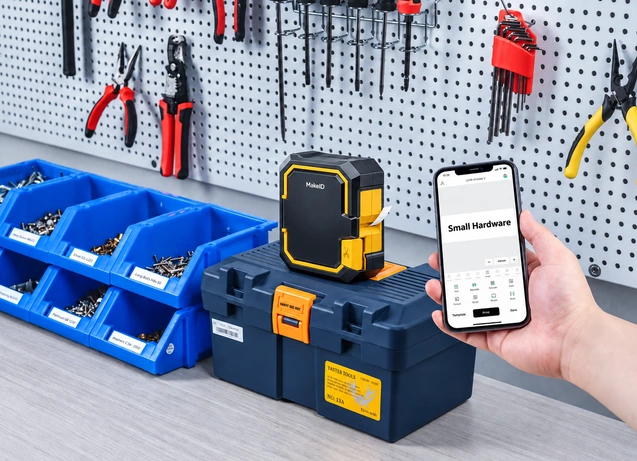
Design labels on mobile or desktop
Create individual labels on a mobile device or manage structured templates and batch jobs from a computer.
See where M100C fits into your work
Choose the right label for the job
Choose by cable type, installation stage and available space.
Heat-Shrink Tubing
For permanent wire and cable identification before termination.
Self-Laminating Labels
Choose for installed cables that need a protected printed area.
Flag Labels
Choose when identifiers need to remain visible on small or densely routed cables.
Nylon Cloth Labels
Choose for flexible wrapping around curved, textured or tightly routed surfaces.
Check the specs that matter
| Print technology | Thermal transfer |
| Resolution | 300 dpi |
| Maximum print width | 1 in / 25.4 mm |
| Print speed | 25.4 mm/s |
| Connection | Bluetooth and USB-C |
| Software | MakeID Label Pro (mobile) and MakeID Label Design (desktop) |
| Battery | 2600 mAh rechargeable; up to 2.5 hours continuous printing |
| Job-site readiness | Built-in magnetic mounting, 1.5 m drop resistance, belt clip option |
| Size / weight | 146 × 118 × 62 mm / 600 g |
Choose the right printer.
| Feature | M100CCurrent model | M200D | M200E | M400B |
| Best for | Cable identification | Equipment & asset labeling | Repeated labeling | Wide-format identification |
| Print width class | 1-inch | 2-inch | 2-inch | 4-inch |
| Core advantage | Cable-specific formats | Lightweight personal carry | Jobsite labeling station | Portable wide-format |
| Cutter | Manual cutter | Tear-off | Automatic cutter | Tear-off |
| View printer | View M100C → | View M200D → | View M200E → | View M400B → |
Get the resources you need
Ready to discuss your labeling requirements?
Tell us about your application and we’ll help you configure the right M100C setup.