Label what matters. Wherever the work happens.
Find the MakeID printer that fits your labeling work—from cables and equipment to assets and wide-format facility identification.
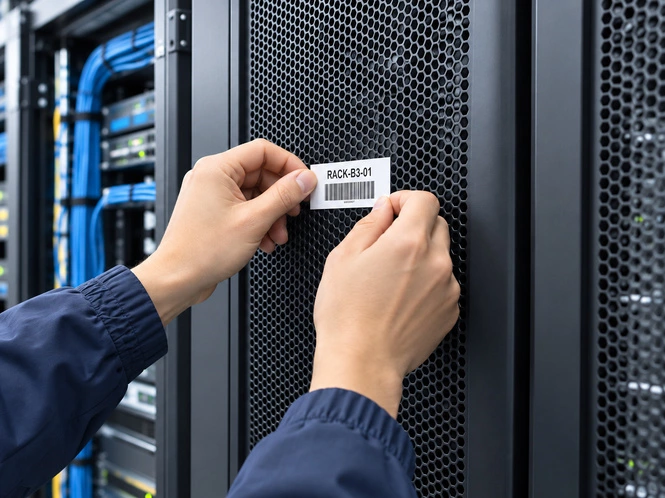
Find the printer that fits your work.
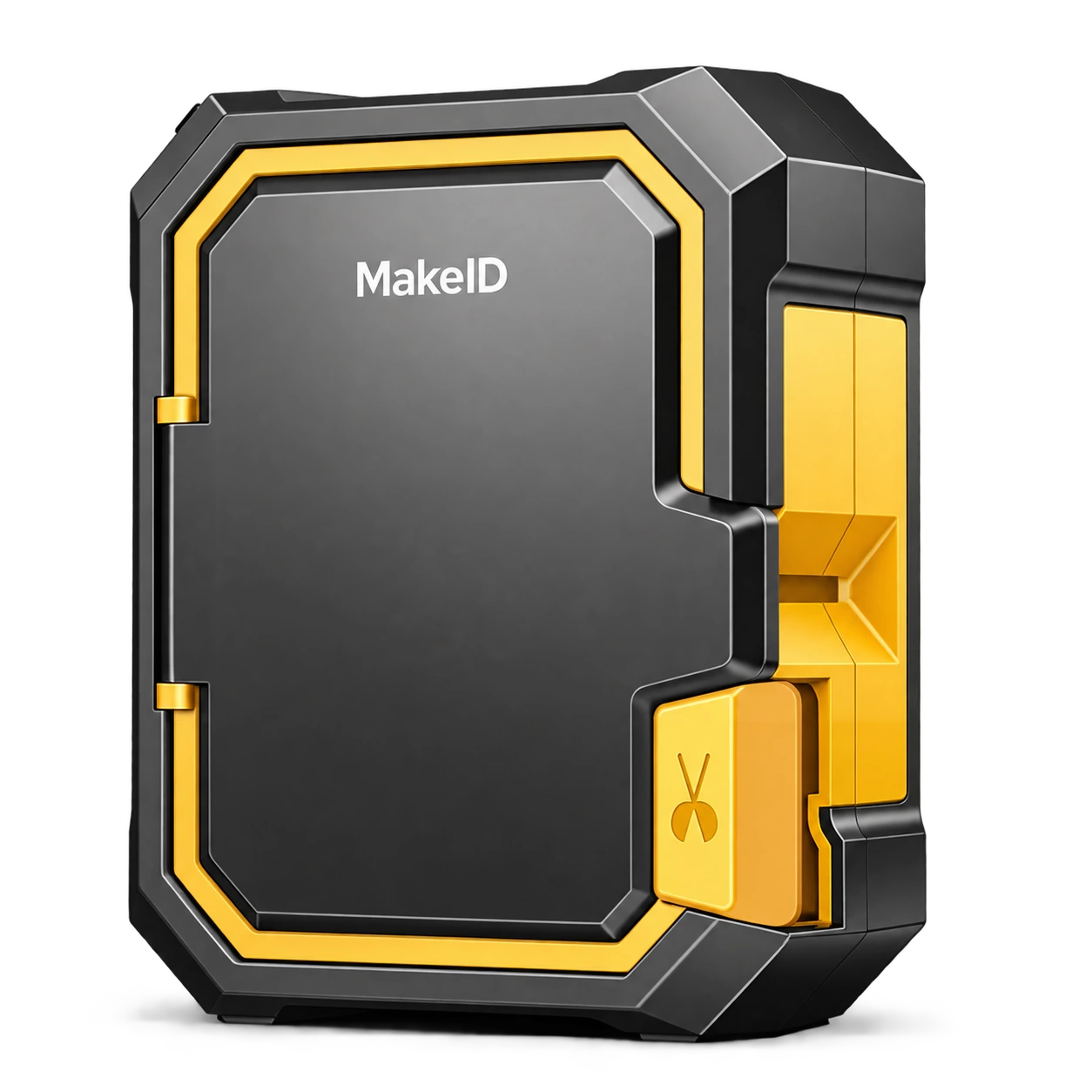
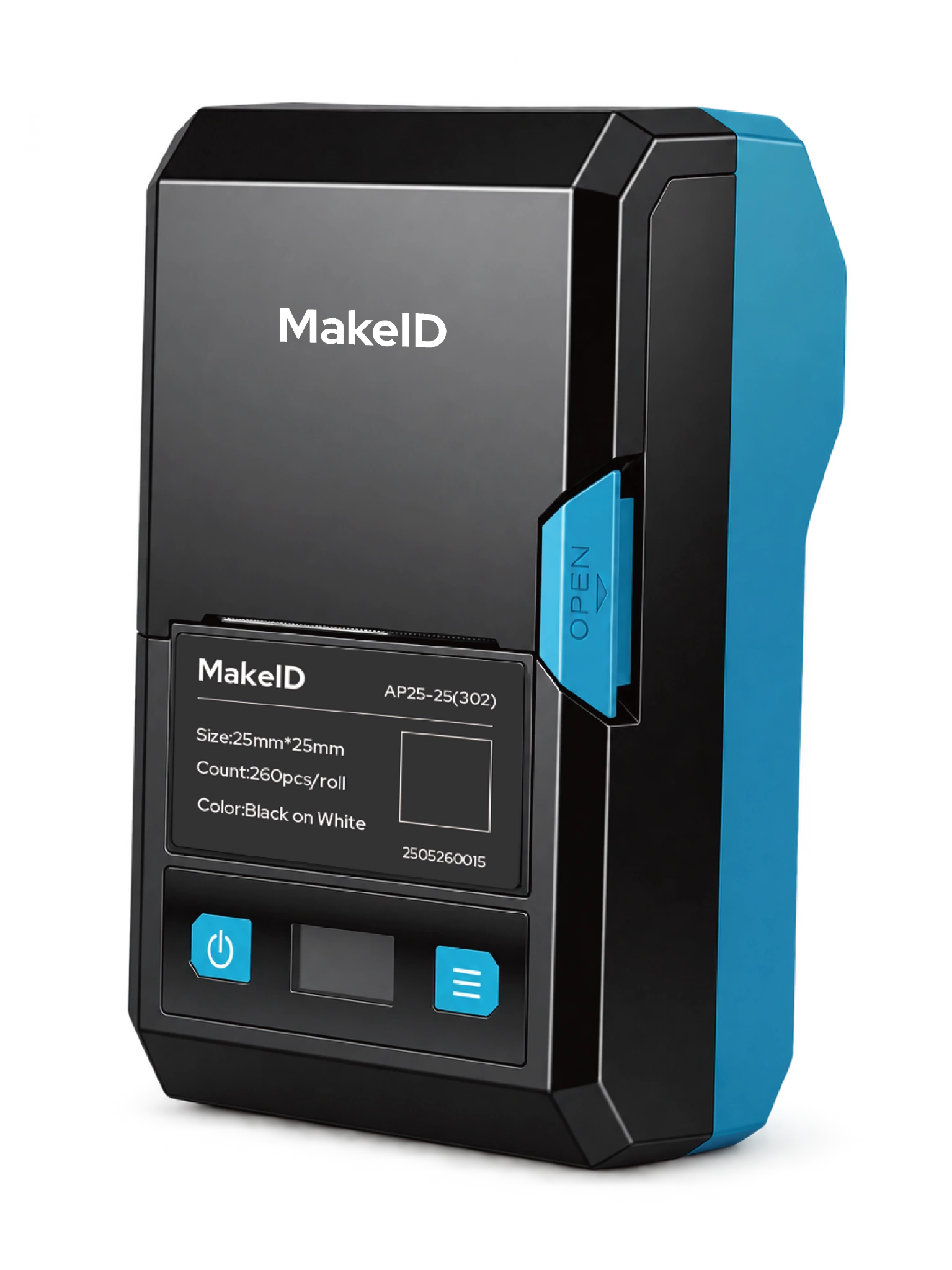
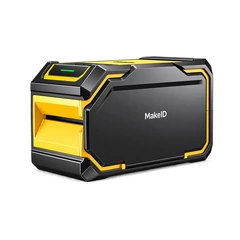
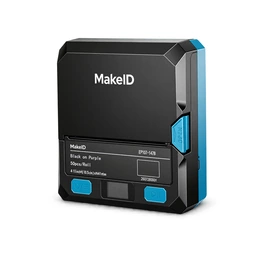
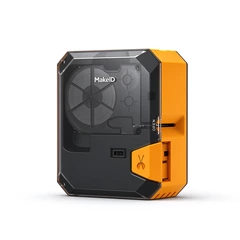
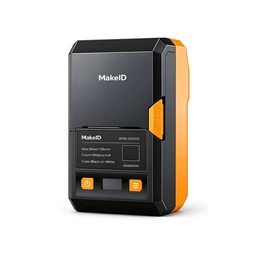
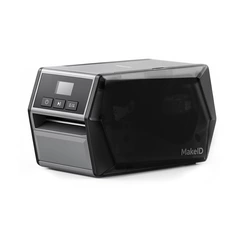
See how each printer fits the work.
Different labeling tasks call for different ways of working. These application scenes show where each core MakeID printer is designed to fit.
Keep cables and connections clearly identified.
For heat-shrink sleeves, self-laminating labels, flag labels and cable identification used during installation and maintenance.
Featured printer
M100C
Label equipment without leaving the point of work.
For asset IDs, QR codes and equipment labels when a lightweight printer needs to move with the technician.
Featured printer
M200D
Keep repeated labeling work moving.
For shared work areas and maintenance stations where equipment and asset labels are produced repeatedly through the job.
Featured printer
M200E
Bring wider identification to large equipment and facilities.
For facility identification, safety information, warehouse locations and larger equipment labels that need wider output.
Featured printer
M400B
Compare MakeID printers.
Focus on the differences that affect how the printer is used—not on every technical specification.
| M100CPortable Cable Identification Printer | M200DLightweight Portable Equipment Label Printer | M200EAuto-Cut Equipment Label Printer | M400BPortable Wide-Format Label Printer | |
| Best for | Cables & wires | Equipment & assets | Repeated equipment labeling | Large equipment & facilities |
| Max print width | 25.4 mm | 48 mm | 48 mm | 105.6 mm |
| Work style | Carry to the task | Lightweight personal carry | Jobsite / work-area station | Wide-format mobile work |
| Portability | Portable | Lightweight portable | Workstation-oriented | Portable |
| Cutting | Manual | Tear-off | Automatic cutter | See product specification |
| Best label formats | Heat-shrink · self-laminating · flags | Equipment · asset · QR labels | Equipment · asset · repeated labels | Facility · safety · warehouse labels |
| Key advantage | Rugged cable work | Width-to-weight balance | Auto-cut workflow | 4-inch-class wide format |
| View M100C → | View M200D → | View M200E → | View M400B → |
Weight is intentionally excluded until all models use the same verified measurement standard. Detailed specifications belong on each product page.
One labeling ecosystem.
Create and manage labels on mobile or desktop, then print across MakeID printer platforms with a familiar workflow.



Everything you need to keep printing.
Get software, compatible supplies and product support for your MakeID printer.
Download Printer Software
Get MakeID software for mobile and desktop label creation.
Download Software →
Find Labels & Supplies
Find label formats and supplies compatible with your printer.
Explore Labels & Supplies →
Need help choosing the right printer and labels?
Talk to our team about your labeling tasks, project requirements and compatible materials.