
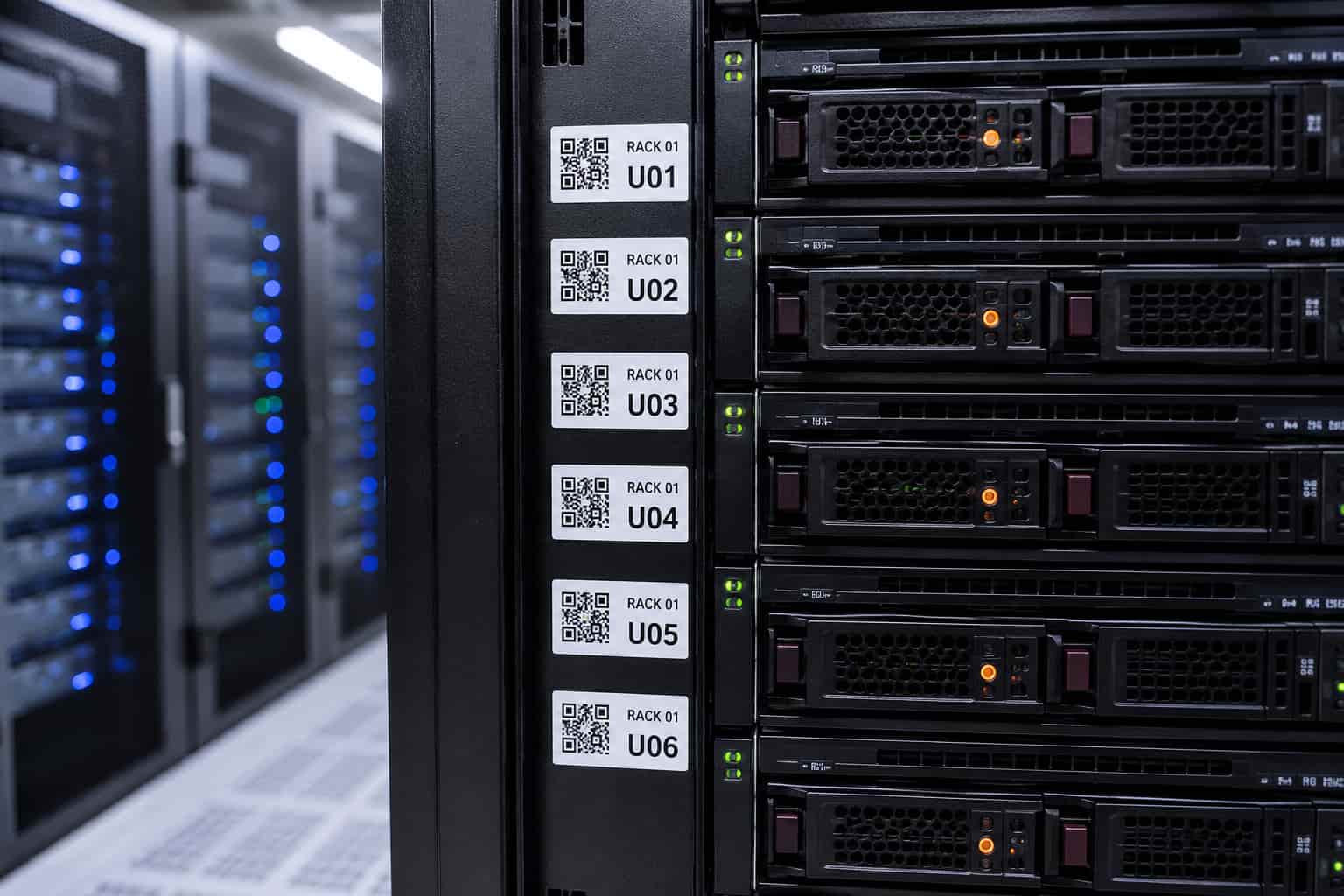
Industrial Label Printer Selection Guide: How to Choose the Right Printer for Cable, Data Center & Manufacturing Applications
Choosing an industrial label printer is not about selecting the biggest or most expensive machine. The right solution depends on your application, label size requirements, working environment, and daily workflow.
In industrial environments, choosing the wrong printer can increase costs and reduce efficiency. Some teams invest in oversized equipment for simple cable identification, while others choose compact printers that cannot provide enough label space for asset tracking, equipment identification, or safety labeling.
The MakeID industrial label printer lineup is designed around real-world applications — from cable and wire identification to data center management and heavy industrial labeling.
This guide explains how to select the right industrial label printer based on print width, application scenarios, and workplace requirements.
Industrial Label Printer Comparison: Find the Right Model for Your Application
Before selecting a printer, ask one important question:
What type of labels does your team need to create?
Different applications require different print widths. Cable identification, data center asset tracking, and manufacturing labels all require different solutions.
| Model | Print Width | Recommended Applications |
|---|---|---|
| MakeID W110 | 1 inch | Cable labels, wire identification, electrical marking |
| MakeID M100C | 1 inch | Rugged field work and maintenance |
| MakeID M200D | 2 inch | Data center labels and asset tracking |
| MakeID M400A | 4 inch | Manufacturing and large equipment labels |
1-Inch Industrial Label Printers: Best for Cable and Wire Identification
Cable and wire labeling is one of the most common industrial labeling applications.
Technicians working with network cables, electrical wiring, and control cabinets need labels that are:
- Easy to read;
- Durable after installation;
- Compact enough for limited spaces;
- Fast to create during field work.
A 1-inch industrial label printer provides the ideal balance between portability and visibility.
Typical applications include:
- Network cable identification;
- Electrical panel labeling;
- Terminal block marking;
- Telecom installation;
- Control cabinet wiring;
- Maintenance identification.
The MakeID W110 and M100C both use a 1-inch printing platform, making them suitable for organizations that need consistent cable labeling solutions.
For companies managing multiple technicians, standardizing on a 1-inch label platform can simplify consumable purchasing and inventory management.
For portable cable identification solutions, explore MakeID compact labeling options.
MakeID W110 vs M100C: Which 1-Inch Printer Should You Choose?
The W110 and M100C share the same 1-inch printing capability, but they are designed for different working environments.
The difference is not printing performance — it is durability and field usability.
MakeID W110: Reliable Everyday Industrial Labeling
The W110 is designed for teams that need a practical and efficient portable label printer.
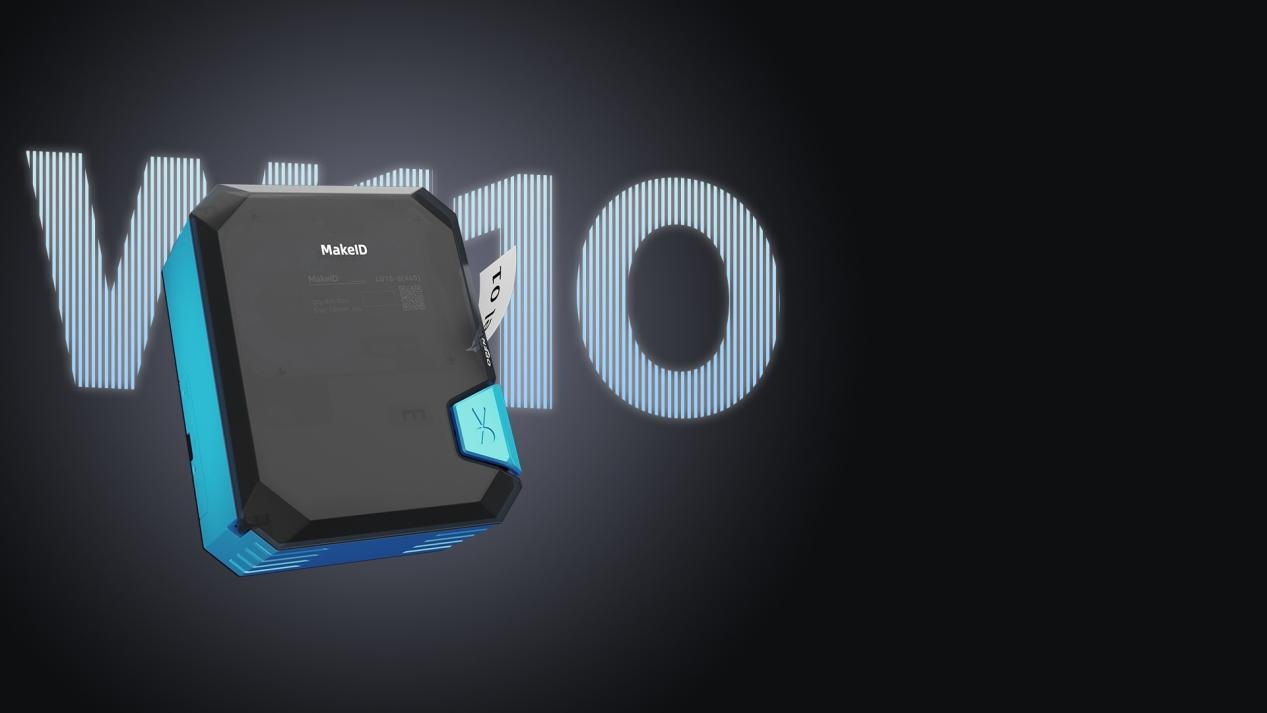
It is suitable for:
- Routine electrical work;
- Telecom installation;
- Equipment identification;
- General maintenance tasks.
Key advantages:
- Compact portable design;
- Easy operation;
- Efficient cable and wire labeling;
- Compatible 1-inch label platform.
The MakeID W110 is a cost-effective choice for everyday labeling tasks.
MakeID M100C: Rugged Industrial Label Printer for Field Professionals
For technicians working in demanding environments, durability and mobility are essential.
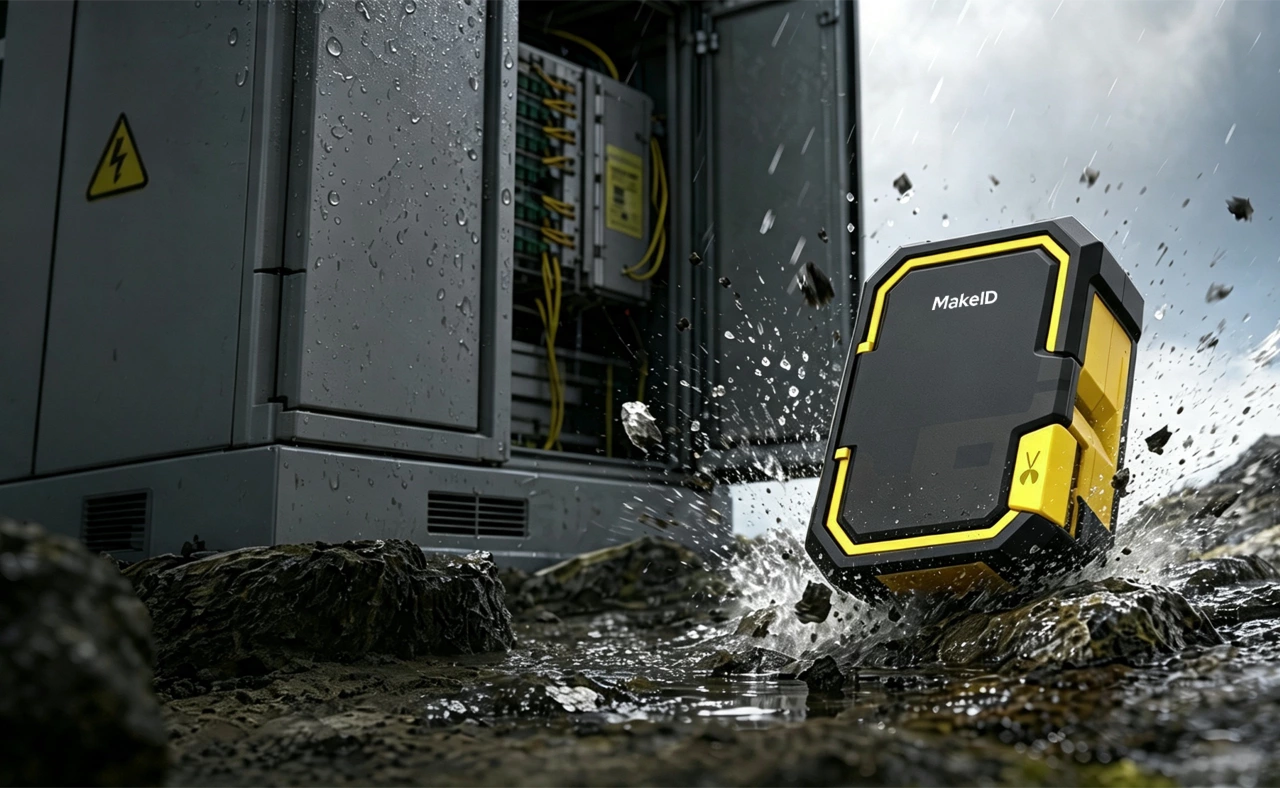
The MakeID M100C is designed for professional field applications with features that improve workflow efficiency.
Rugged Protective Housing
Industrial environments can involve accidental drops, impacts, and rough handling.
The M100C features a protective housing designed to improve durability during daily field operations.
Magnetic Mount for Hands-Free Labeling
During electrical installation or equipment maintenance, technicians often need both hands available.
The built-in magnetic mount allows users to attach the printer to suitable metal surfaces such as:
- Electrical cabinets;
- Server racks;
- Industrial equipment.
This helps technicians print labels faster without constantly placing the device down.
Utility Hook for Better Mobility
The integrated hook design allows technicians to keep the printer accessible while working on ladders, equipment installations, or infrastructure projects.
Choosing the Right Label Material for Industrial Applications
The printer is only one part of an industrial labeling system.
Choosing the correct label material is equally important.
Different applications require different materials:
- PET labels for durable equipment identification;
- Vinyl labels for flexible industrial surfaces;
- Heat shrink labels for wire and cable protection;
- Clear labels for professional identification.
Selecting the correct industrial label material improves readability, durability, and long-term performance.
2-Inch Industrial Label Printers: Designed for Data Centers and Asset Management
As labeling requirements become more complex, wider labels provide additional space for important information.
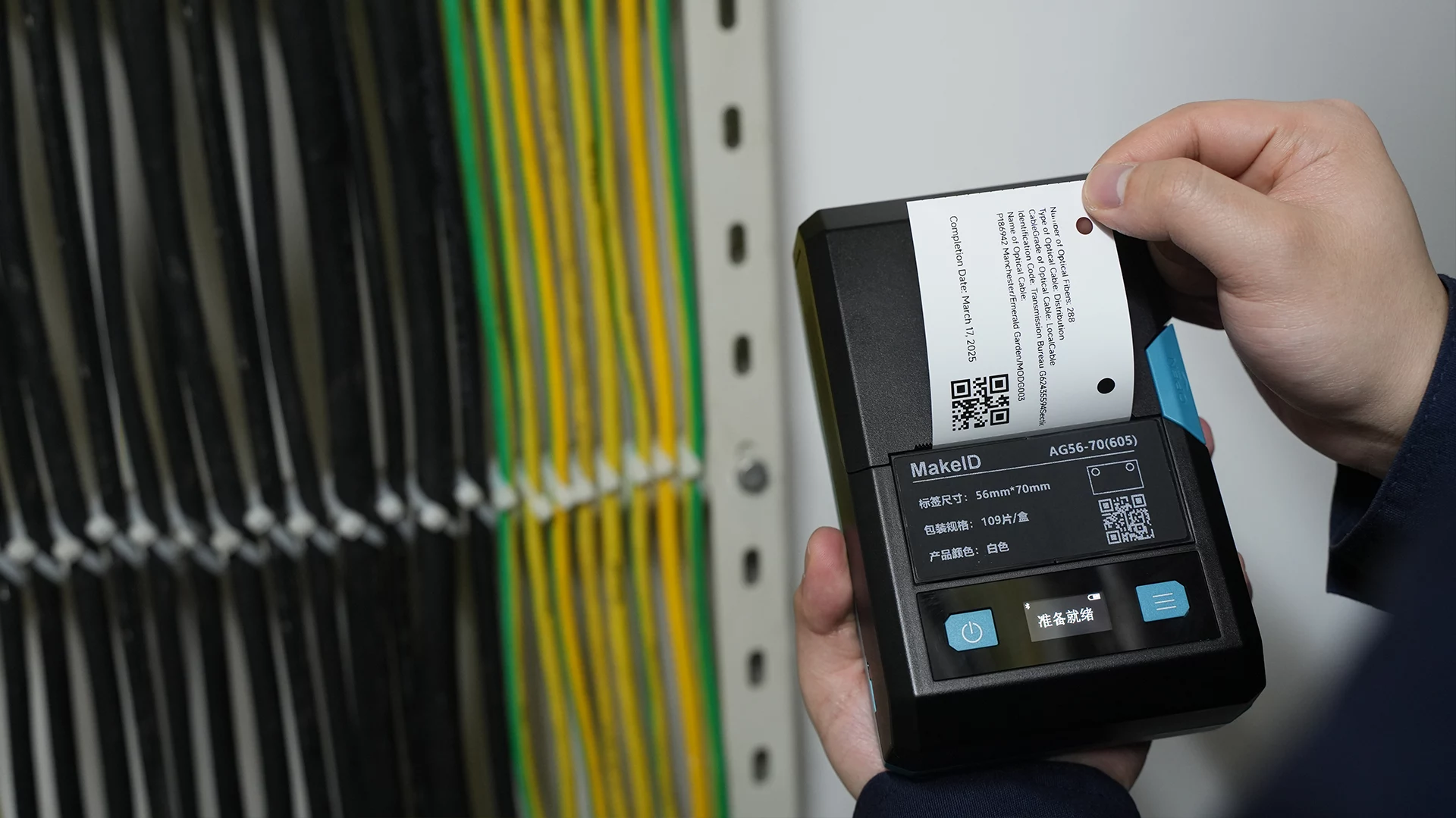
Data centers, IT departments, and infrastructure teams often need labels containing:
- Asset numbers;
- Barcodes;
- Rack locations;
- Port information;
- Network documentation.
A 2-inch industrial label printer provides more printable space compared with traditional cable labeling solutions.
The MakeID M200D is designed for:
- Server rack labeling;
- Patch panel identification;
- Network equipment tracking;
- Data center organization;
- Asset management.
Wider labels allow teams to include more information on a single label, improving organization and reducing labeling errors.
4-Inch Industrial Label Printers: Built for Manufacturing and Large Equipment
Manufacturing facilities often require labels that remain visible from a distance and withstand demanding environments.
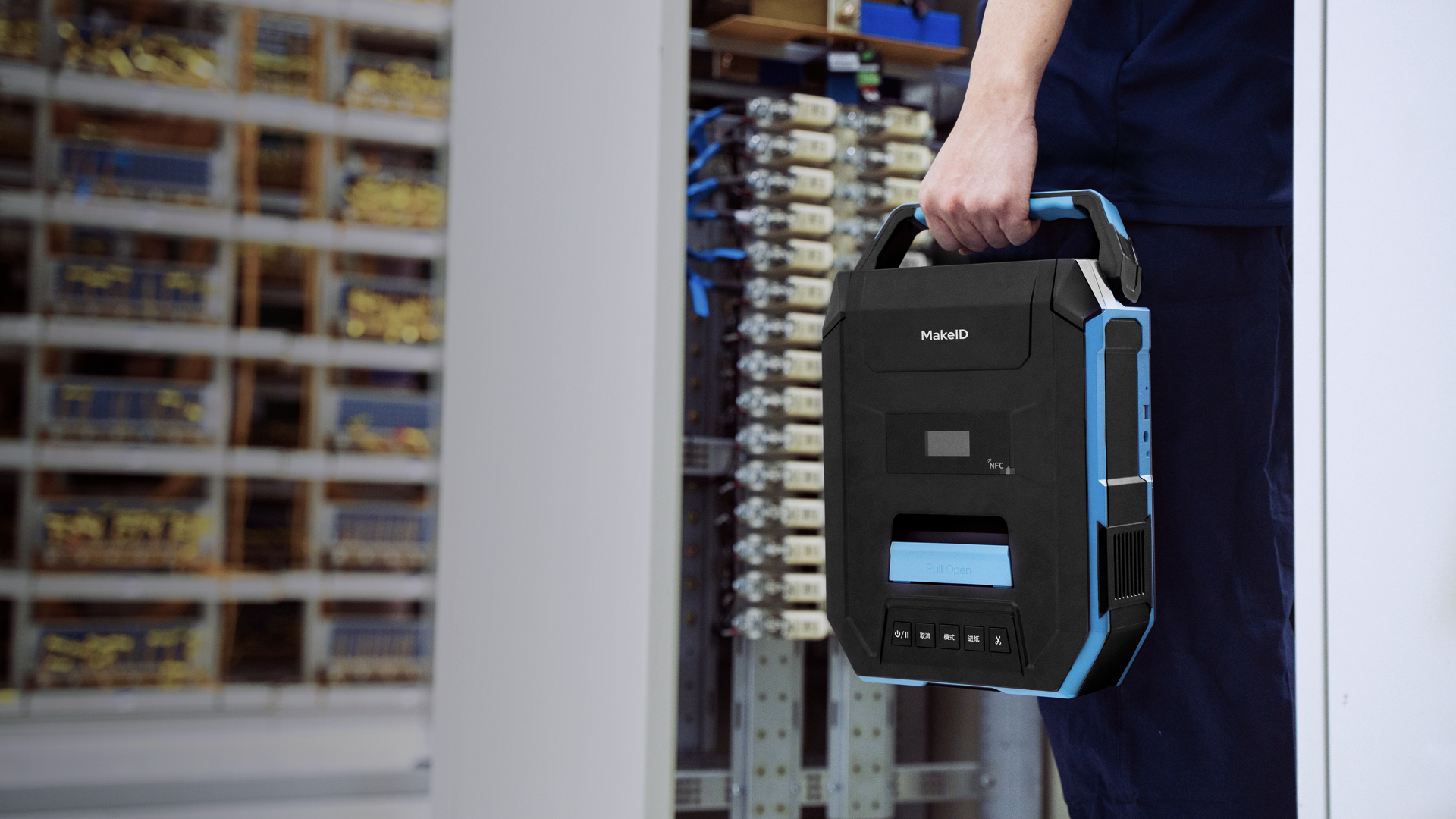
Large-format labels are commonly used for:
- Machinery identification;
- Safety signs;
- Warehouse labeling;
- Chemical container identification;
- Industrial asset tracking.
A 4-inch industrial label printer provides the printing area required for applications where visibility and compliance are critical.
The MakeID M400A is designed for organizations that need large, easy-to-read labels across industrial facilities.
How to Choose the Right Industrial Label Printer: 4 Questions
1. What Label Size Does Your Application Require?
Choose a 1-inch printer for:
- Cable identification;
- Electrical wiring;
- Small equipment tags.
Recommended: MakeID W110 & MakeID M100C
Choose a 2-inch printer for:
- Data center assets;
- Server racks;
- Network documentation.
Recommended: MakeID M200D
Choose a 4-inch printer for:
- Safety labels;
- Large machinery;
- Facility identification.
Recommended: MakeID M400A
2. What Environment Will the Printer Be Used In?
Consider:
- Risk of drops;
- Available workspace;
- Need for hands-free operation;
- Technician mobility.
For standard applications, the W110 provides reliable everyday labeling.
For demanding field environments, the M100C provides additional protection and convenience.
3. How Much Information Must Each Label Display?
Simple cable labels may require:
- Cable ID;
- Port number;
- Short description.
Asset labels may require:
- Barcode information;
- Equipment numbers;
- Location details;
- Maintenance records.
The more information required, the more valuable wider printing formats become.
4. Do You Need a Standardized Labeling System?
Large organizations often manage multiple teams.
A consistent labeling system helps companies:
- Simplify purchasing;
- Reduce inventory complexity;
- Standardize workflows;
- Improve technician efficiency.
Looking for a Brady Alternative? What to Consider When Choosing an Industrial Label Printer
Many industrial teams are familiar with established professional labeling systems such as Brady. However, companies today evaluate solutions based on more than brand recognition.
When selecting an industrial label printer alternative, consider:
Application Compatibility
The printer should match your actual requirements:
- Cable identification;
- Asset tracking;
- Equipment labeling;
- Safety communication.
Portability and Workflow Efficiency
Industrial technicians need tools that work in real environments.
Important features include:
- Portable design;
- Easy label replacement;
- Durable construction;
- Convenient mounting options.
Total Cost of Ownership
Consider:
- Consumable availability;
- Label material options;
- Inventory management;
- Long-term workflow efficiency.
The best industrial labeling solution is the one that fits your team’s actual requirements.
Build a More Efficient Industrial Labeling Workflow with MakeID
The right industrial label printer helps organizations improve productivity, reduce labeling errors, and create consistent identification systems.
Whether your team works in:
- Electrical installation;
- Data center management;
- Manufacturing;
- Industrial maintenance;
selecting the correct print width and printer design is the key to building an efficient labeling workflow.
The MakeID industrial label printer lineup provides solutions for different applications:
- 1-inch portable printers for cable and wire identification;
- 2-inch printers for data center and asset management;
- 4-inch wide-format printers for manufacturing and large-scale identification.
Explore MakeID industrial labeling solutions and find the right printer for your workflow.