
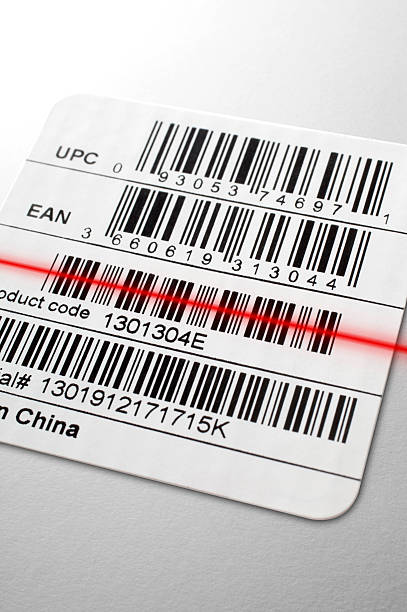
How to Fix Barcode Not Scanning Issues on Thermal Transfer Label Printers
In applications such as warehousing, manufacturing, logistics and equipment identification, the inability to scan barcodes is a common yet troublesome issue. Many users’ first reaction is to replace the scanner, but in reality, the vast majority of barcode scanning failures do not stem from the scanner itself, but from the settings of the thermal transfer label printer.
This article will systematically analyze the printing settings issues that cause barcode scanning failures from a professional perspective, and provide direct and executable troubleshooting and optimization methods to help you obtain stable and scanable barcodes with a single print.
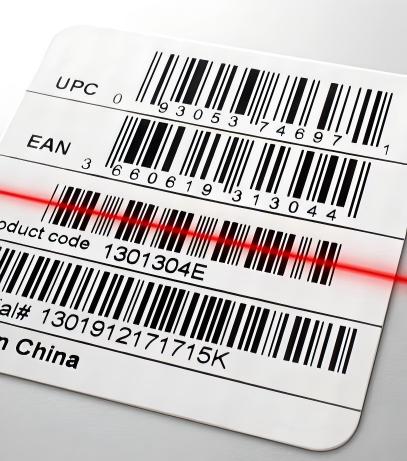
Why Can’t I Scan The Printed Barcode?
In the thermal transfer printing scenario, the fact that the barcode “appears normal” does not mean that “the machine can recognize it”. The requirements for barcodes by scanning devices are much stricter than those by the naked eye.
Most of the problems with barcode scanning not working are not due to the scanner malfunction, but are caused by improper settings such as resolution, speed, concentration or material matching of the thermal transfer label printer.
Common Root Causes of Barcode Scanning Failure
Precision and bar code printing minimum line width don’t match
Common resolutions for thermal transfer printers include 203 DPI, 300 DPI, and 600 DPI.
When printing high-density barcodes (such as small-sized Code 128 or DataMatrix) with a low resolution, the narrow bars of the barcode may already be below the printer’s minimum imaging capability.
The result is:
- Visible to the human eye
- The scanner cannot distinguish Bar from Space
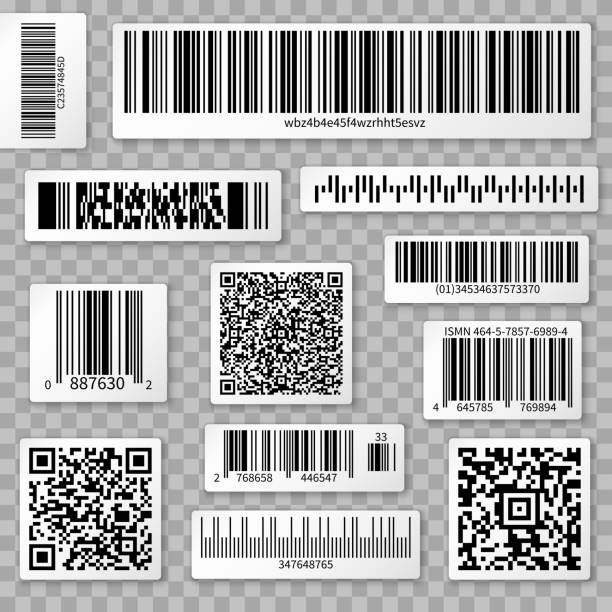
Carbon tape and label material match incorrectly
Thermal transfer printing relies on the quality of the “carbon tape + label material” combination:
- Wax carbon tape: suitable for ordinary paper labels
- Wax-Resin: suitable for semi-coated or light industrial environments
- Resin: suitable for synthetic materials, with scratch resistance requirements
If the carbon tape and label material do not match, the barcode edges will become blurry or have abnormal reflection, thereby affecting the scanning recognition rate.
Print quality is not stable
Even if the parameters are set correctly, the following issues may still cause scanning failures:
- Bar code edge burrs
- Broken or dotted lines
- Insufficient contrast (the barcode color is too gray)
All of these will directly reduce the decoding success rate of the scanning device.
Must Focus On Checking The Thermal Transfer Label Printer Settings
This is the core part of solving the “Barcode Not Scanning” problem.
Printing resolution (DPI) is set correctly
Many users have overlooked the issue where the DPI settings of the design software, the driver, and the printer itself are not consistent. For example:
- Design software outputs at 300 DPI.
- Printer actually operates at 203 DPI.
This will result in the barcode ratio being compressed and the narrow bars becoming distorted.
When the minimum line width of the barcode is smaller than the imaging points that the printer can produce, even if the printing is clear, it is very likely to cause scanning failure.
Whether the Print Speed is too fast
High-speed printing will shorten the contact time between the carbon tape and the label during the thermal transfer process. Common problems include:
- Incomplete transfer of toner
- Lighter barcode color
- Incomplete edges
In industrial applications, for the same barcode:
- 6 ips can be scanned normally
- 10 ips may result in scanning failure
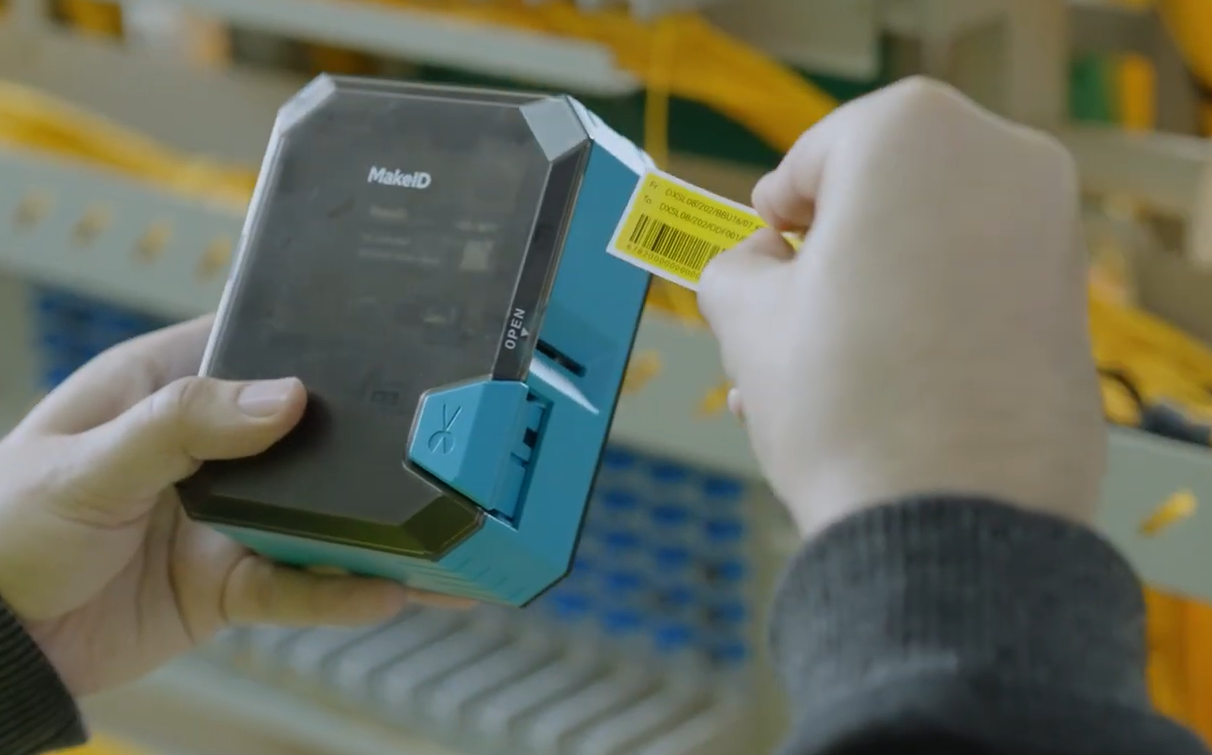
Therefore, in scenarios requiring continuous printing or high barcode scan success rates, choosing a thermal transfer label printer that supports fine print speed adjustment and has stable thermal transfer control capabilities is particularly important. For example, the MAKEID W110 thermal transfer label printer maintains clear and uniform barcode edge performance at different print speed settings, making it suitable for applications with high scanning stability requirements, such as warehousing, cable labeling, and equipment labeling.
Darkness/Heat setting is not appropriate
This is the parameter that is most prone to “over-adjustment”:
- Too low density: Barcode gray, insufficient contrast
- Too high density: Line expansion (Bar Bleeding), barcode boundaries sticking together
Barcode scanning failure is often not due to insufficient clarity, but rather due to boundary distortion caused by being too deep or too shallow.
Bar code size and scale setting error
Common errors include:
- Narrow bars (X-dimension) set too small
- Non-equal ratio to enlarge or reduce the bar code
- Forcibly reducing the proportion in order to “fit the label”
These will directly affect the decoding algorithm of the scanner.
Incorrect settings for label gap and positioning method
Thermal transfer printers usually support:
- Gap (label gap)
- Black Mark (black mark)
- Continuous (continuous paper)
If the positioning method is set incorrectly, it may result in the following issues:
- The barcode is cut off
- The printing position is shifted
- Part of the barcode is missing
Bar Code Format And Encoding Is Appropriate For The Current Application
1D barcode vs QR Code
One-dimensional barcodes (Code 128, Code 39)
- High scanning error tolerance rate
- Relatively low requirements for printing quality
Two-dimensional barcodes (QR Code, DataMatrix)
- High information density
- More strict requirements for printing precision and contrast
Effect of barcode content length
The longer the content, the denser the barcode, and the higher the requirements for printing DPI and scanner performance.
Small labels are not suitable for high information density encoding.
Easily overlooked but very critical external factors
Mismatch between scanner and barcode
- Laser scanners usually do not support two-dimensional barcodes
- Old scanners have insufficient resolution and are unable to recognize high-density barcodes
The influence of the label usage environment
- Highly reflective or coated surfaces
- Curved surface attachment
- Insufficient contrast between the background color and the barcode
All of these will reduce the scanning success rate.
Quick Checklist
| Inspection items | Q&A | Suggested adjustment methods |
| Printing resolution | DPI is too low, resulting in insufficient barcode line width | Increase to 300 DPI or enlarge the barcode size |
| Printing speed | The printing speed is too fast, leading to insufficient transfer | Reduce the printing speed |
| Printing density | Too shallow or too deep | Adjust to medium contrast |
| Carbon tape type Barcode size | Does not match the label | Replace with a suitable Wax/Resin carbon tape |
| Positioning method | The narrow bar is too small | Increase the X-dimension |
| Scanning device | The Gap/Black Mark settings are incorrect | Re-calibrate the medium |
| Inspection items | The scanner performance is insufficient | Replace with a high-resolution scanner |
How to Optimize Settings, Improve the Success Rate of a Barcode Scanning
In most industrial and commercial applications, stable and scannable barcodes do not rely on “limiting parameters”, but rather on balanced settings:
- An appropriate printing speed
- Clear but not excessive printing density
- A DPI and material combination that matches the application scenario
Stable and scannable barcodes are achieved through systematic thermal transfer printing settings, rather than repeated re-printing.
Conclusion
When the barcode cannot be scanned, instead of frequently changing the scanning gun, it is better to start by adjusting the parameters of the thermal transfer label printer. As long as the resolution, speed, concentration and material are properly matched, most scanning problems can be solved at once.