
How to Choose Value-for-Money Label Printer for Small Business?
In the daily operation of small businesses, labeling plays a crucial role — from product packaging, warehouse management, to logistics and asset tracking. A reliable label printer can save time, reduce manual errors, and create a more professional brand image.
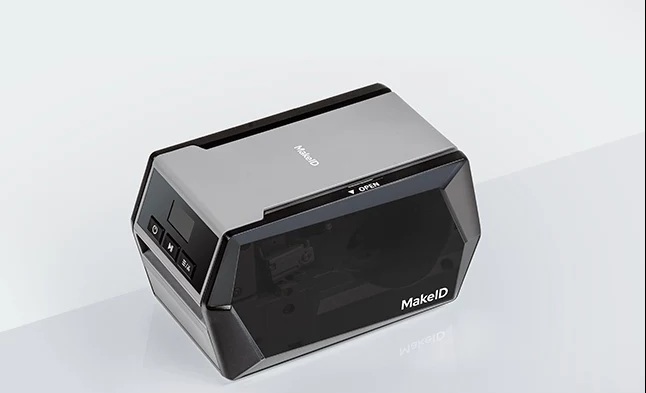
However, for small business owners, the goal is not just to buy the “best” printer, but the most cost-effective one — a model that balances price, performance, and durability. This article will guide you through how to evaluate your needs, key decision factors, and introduce one standout model: MakeID D50 Desktop Label Printer.
Decide Your Needs
To compare different label printers, you must first determine what your needs are. There are many options available, including sizes, printing technologies and applications. You can avoid buying an underperforming device or wasting money by aligning your purchase with business needs.
Some Common Business Uses
- Product labeling (price tags, barcodes, ingredient lists)
- Labels used for shipping and logistic
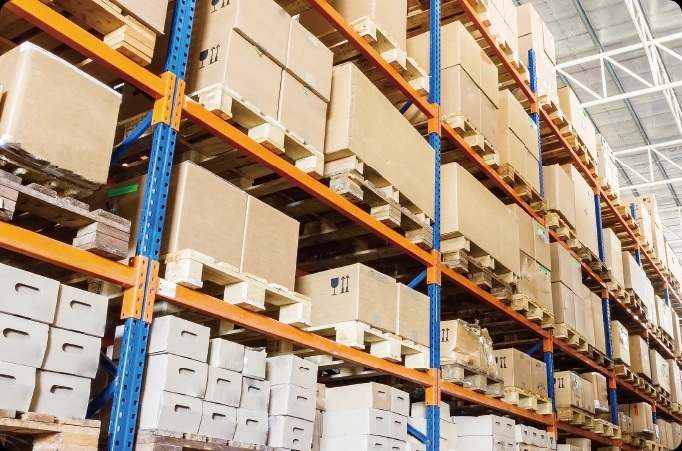
- Inventory Management and Warehouse Management
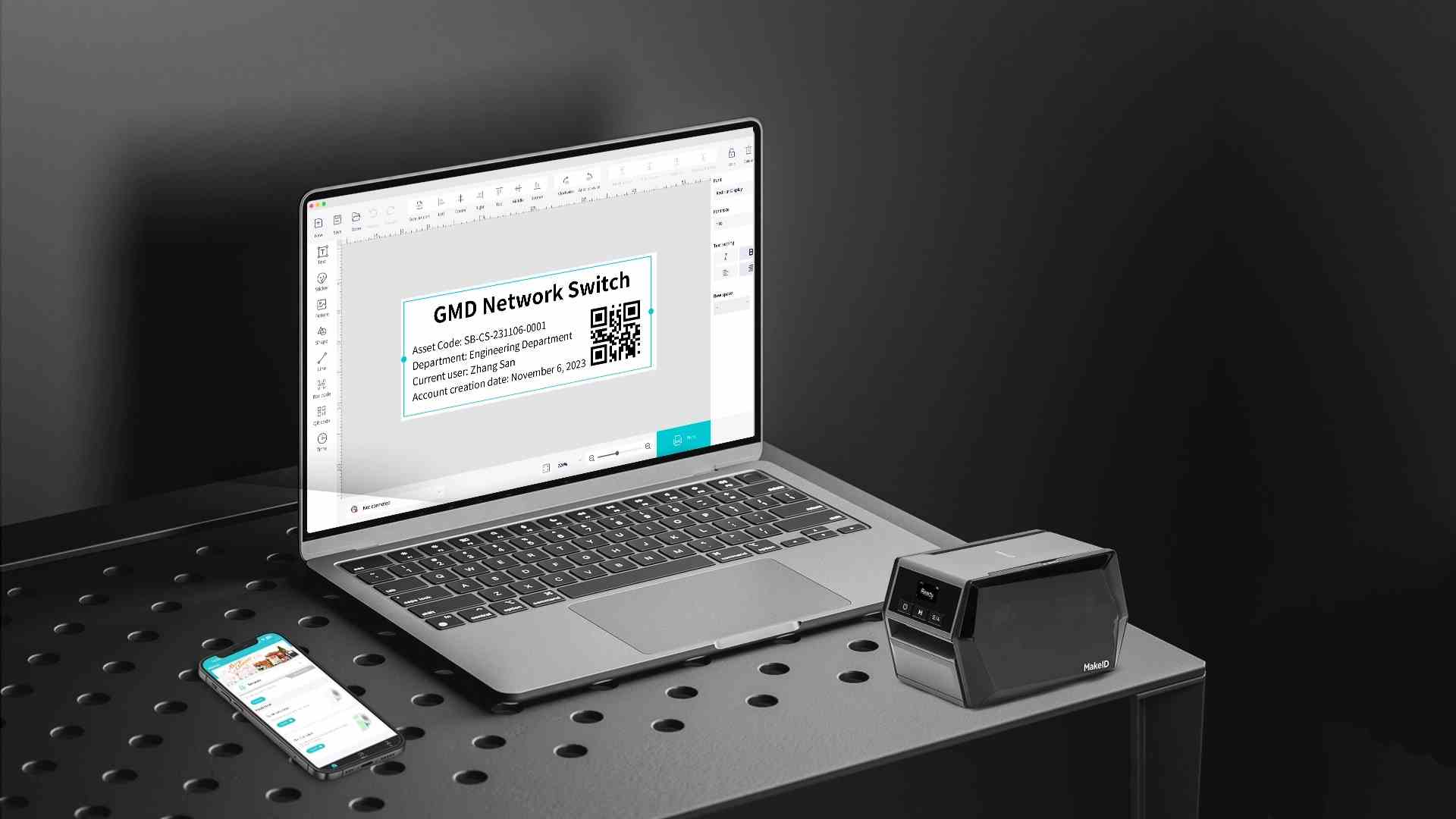
- Asset Tracking and Equipment Labels
Estimate the daily or monthly volume of labels you will print. Small online stores might print between 20 and 50 labels per day, whereas logistics hubs or manufacturing companies may need thousands. The volume directly affects the durability required (high-volume usage requires a robust and long-lasting printhead) as well as long-term cost, since more labels require frequent consumables replacement.
Consider label material and size. Labels up to 48mm (48mm wide) are used by most small businesses, but labels wider than this size will be needed for larger equipment and packaging. Outdoor or heavy-use labels need waterproof/heat-resistant materials, which will influence your printing technology choice.
The Key Factors in Making a Decision
Printing Technology — Thermal Transfer vs Direct Thermal
Label printers are available in two different types.
- Thermal Transfer: Labels are resistant to heat and water. They can also be used for outdoor or long-lasting labels.
- Direct Thermal: This method uses heat-sensitive labels, without ribbons. It is more convenient and less expensive but the prints fade over time.
MakeID D50 uses thermal transfer technology to provide a higher print quality, longer label life and a professional labeling solution.
Print Resolution and Size
You can print barcodes, QR codes and smaller text with a higher resolution. For most business purposes, 300 dpi will do. MakeID D50 provides a resolution of 300 dpi, and can accommodate labels up to 48 mm (two inches) in width. This is perfect for logistics or product labeling.
Connectivity and compatibility
Easy connection reduces frustration and saves time. Today’s best label printers should be able to support multiple platforms. MakeID D50 is compatible with Windows, Mac OS, and Android via Bluetooth and USB, making it ideal for small teams or hybrid environments.
Long-Term Costs of Consumables
Small businesses often make the mistake to only check the price of the printer and ignore the ongoing costs. Check the prices of labels and ribbons, as well as whether compatible supplies are readily available.
Durability and Maintenance
Small businesses require machines that will last. Choose a machine with a durable print head and metal components. Also, make sure the warranty is reasonable.
MakeID D50 has been designed for long-term durability with industrial grade materials, while maintaining a small desktop size. This is a rare balance of strength and space efficiency.
Money-Saving Tips for Choose a Label Printer
- Don’t focus only on the purchase price — calculate total cost of ownership (TCO) including ribbons, labels, and maintenance.
- Choose “good enough” features, not the most expensive industrial model.
- Avoid over-buying capacity — a 2-inch printer like MakeID D50 fits most small-business tasks.
- Buy consumables in bulk for discounts, and consider compatible third-party labels if available.
- Take advantage of promotions or bundle deals from trusted suppliers.
How to Evaluate and Compare Models
When comparing label printers, always look at these key specifications:
- Printing technology (thermal transfer / direct thermal)
- Resolution (DPI)
- Maximum print width
- Connectivity options
- System compatibility
- Maintenance and support availability
Check user reviews and official documentation to ensure reliability. MakeID D50 consistently receives positive feedback for its easy setup, clear printing quality, and reliable connectivity — features essential for growing small businesses.
Recommeded Model — MakeID D50
The MakeID D50 is a cost-effective option for small businesses that offers professional performance at a reasonable price. Here is a breakdown of its specs:
| Feature | MakeID D50 Specification |
| Printing method | Thermal transfer |
| Effective printing width | 48mm |
| Print resolution | 300DPI |
| Maximum printing speed | 30mm/s |
| Battery | 2600mAh Lithium battery |
| Charge input | 9V/2A Quick Charge 2.0 |
| Connector | Type-C |
| Cutter | Electric cutter |
| Screen | 0.96-inch OLED |
| Connection | Bluetooth, USB |
| Machine weight | 1030g |
| Machine size | 173mm*98*96mm |
| Paper feed width (bottom paper) | 35mm、53mm |
| Working environment | -5°C – +40°C, 20%~90%RH (frost free) |
| Storage environment | -20°C – +60°C, 5%-93%RH (frost free) |
| Accreditation | FCC、CCC |
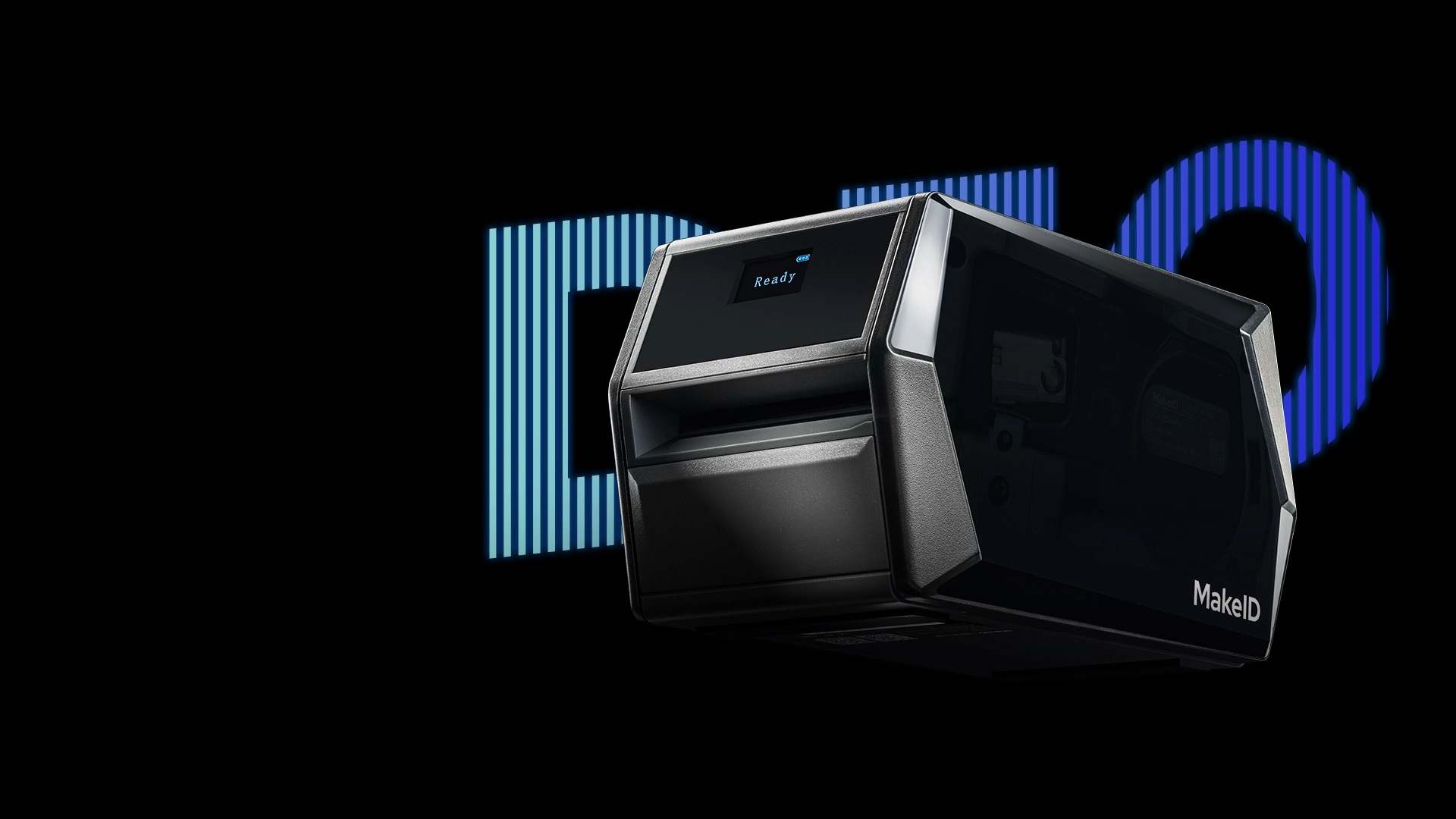
The MakeID D50 is a versatile label printer that can handle product labels, shipping tags, and asset tags. The compact design is ideal for small workstations and warehouses. Its industrial construction provides durability. The 2600mAh battery is portable and the quick-charge feature minimizes downtime. The 0.96-inch OLED display clearly displays settings and the battery life, making it intuitive for even first-time users.
Summary
The right label printer can be a strategic investment in any small business. Instead of chasing high-end models and focusing on the cost total, reliability, and practicality.
The MakeID D50 offers professional print quality, durability and connectivity, all at an affordable cost. This is the perfect balance between saving money and ensuring that your business operates professionally.