
Best Mobile Label Printing Solutions for Small Businesses
The fast-paced business environment requires organizations to develop operational efficiency as their main priority. The traditional desktop label printers used for boutique retail stores and busy e-commerce warehouses and outdoor equipment maintenance work create workflow bottlenecks for these operations.
Entering 2026, mobile label printing solutions (Mobile Label Printing) are no longer the exclusive domain of large logistics enterprises. With more powerful Bluetooth/Wi-Fi connection designs in the software, small and medium-sized enterprises are reshaping their asset management and customer experience through portable devices.
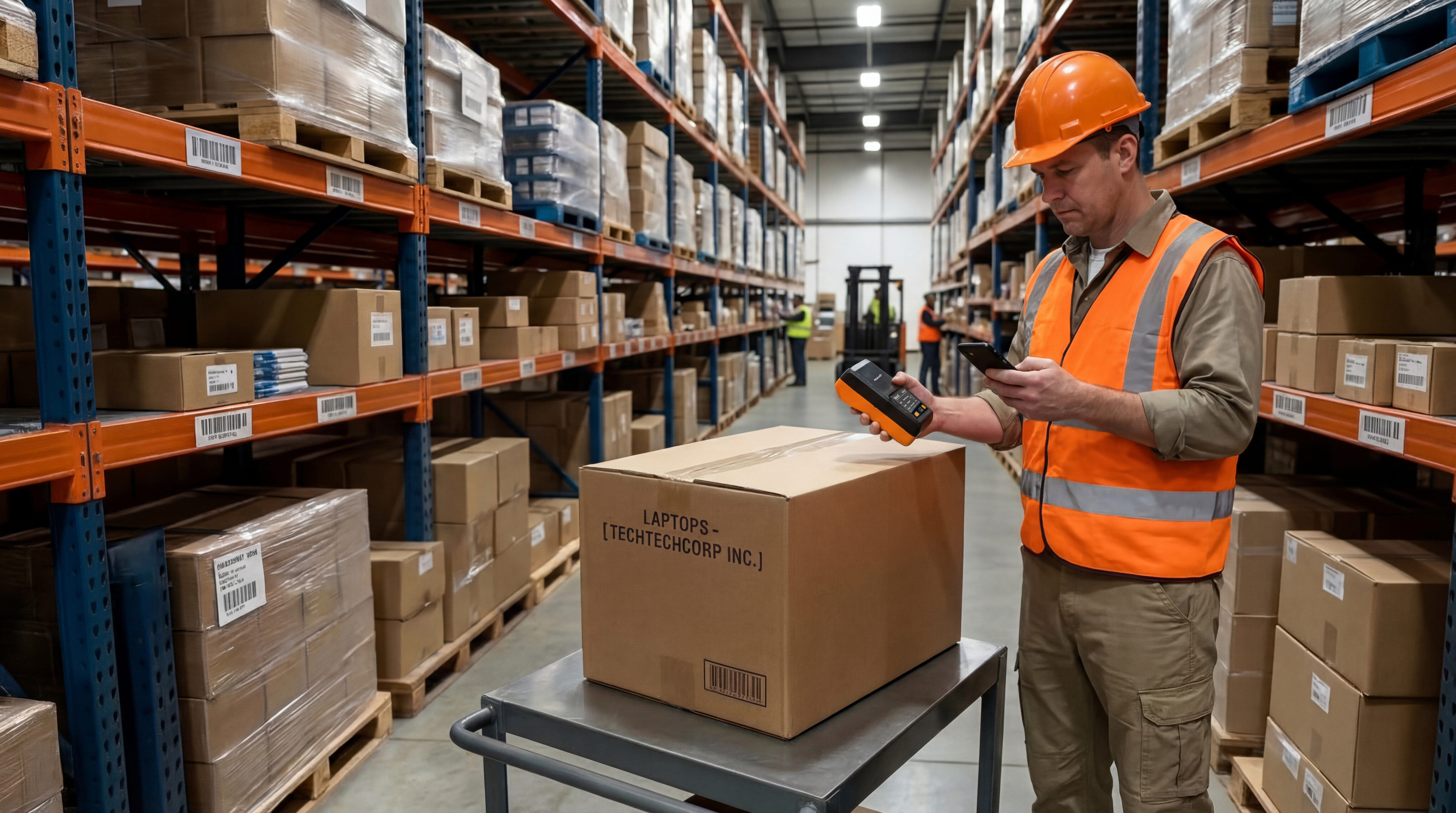
What to Look for in a Mobile Label Printing Solution
Small businesses require multiple key factors to evaluate their actual business needs when they select a mobile label printing device. An appropriate device not only enhances work efficiency but also reduces long-term usage costs.
Bluetooth / Wi-Fi
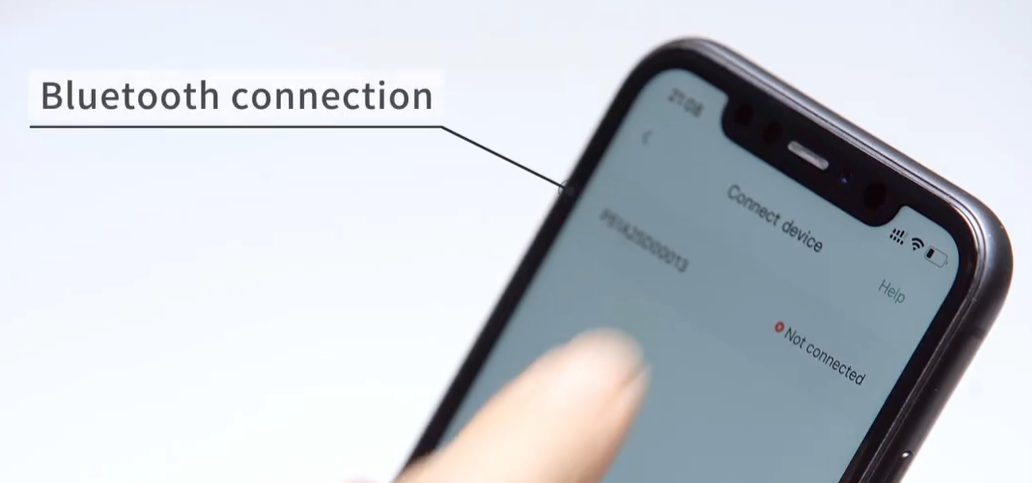
Mobile label printing devices are usually connected to mobile phones, tablets or computers via Bluetooth or Wi-Fi. The Bluetooth connection method is suitable for short-distance printing scenarios, such as in stores or small warehouses, while the Wi-Fi connection is more suitable for environments where multiple devices need to share the printer. A stable wireless connection enables fast printing execution while preventing work interruptions.
Mobile application compatibility
Current label printers come with mobile applications which allow users to design and print labels directly from their smartphones and tablets. A good label design application usually has functions such as template selection, barcode generation, QR code printing, and text editing. For small businesses, simple and user-friendly mobile software can significantly reduce the cost of employee training.
Printing speed and resolution
Printing speed directly impacts order processing efficiency. High-speed printers are essential for businesses that need to print a large volume of labels every day. And higher print resolution produces clearer barcodes and text which decreases the likelihood of scan failures.
Battery life and portability
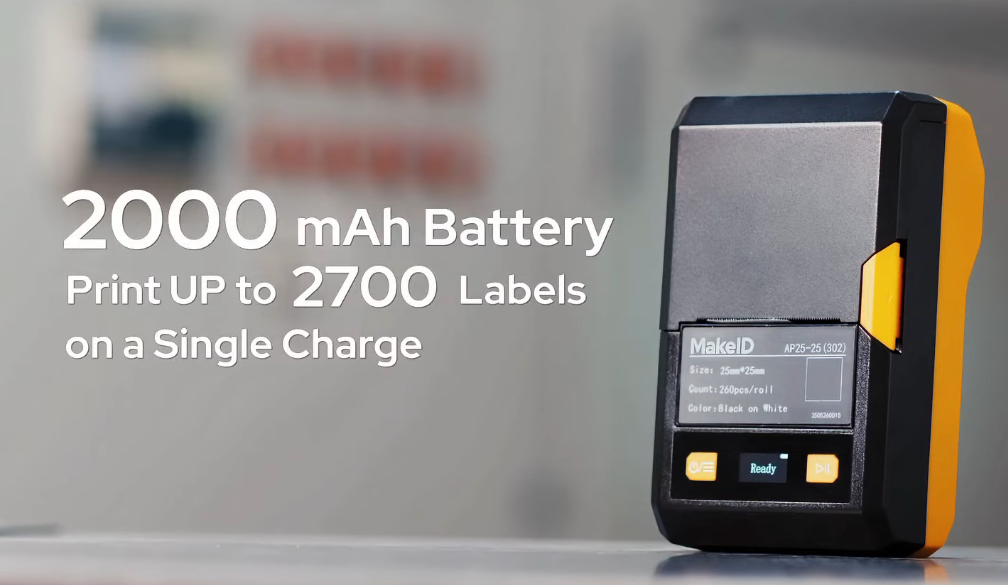
Battery life constitutes the main feature which determines the operational time of mobile printers that operate through their integrated power sources. The development of printing equipment which provides extended battery life and operates at a reduced weight and smaller dimensions delivers significant improvements to employees who work for extended periods in warehouses and field operations.
Label size and material compatibility
Different enterprises have different requirements for label size and materials. For instance, logistics labels are usually larger, while product labels or price labels are smaller. When choosing equipment, enterprises need to confirm whether the printer supports the required label size and whether it is compatible with different types of label paper, such as thermal paper, synthetic material labels, or waterproof labels.
2026 Mobile Label Printer Recommendation
MakeID EP53 – Professional mobile printing device supporting wider range of labels
For many growing small and medium-sized enterprises, their business scenarios are often diverse: they need to print warehouse labels, equipment labels or asset labels. If multiple printers of different specifications are required, not only will the cost be high, but the management complexity will also increase.
The core advantage of MakeID EP53 lies in its ability to support a wider range of label sizes and be compatible with various label specifications. This means that enterprises can complete the printing requirements of warehouse labels, asset labels and product labels with just one device.
This flexibility is very practical for small and medium-sized enterprises with constantly expanding businesses, allowing them to reduce equipment investment while maintaining the uniformity of the label management system.
MakeID W110 – Lightweight Design, Suitable for On-Site Mobile Printing
In work environments such as retail stores, maintenance services, or construction sites, employees often need to move around frequently. If the label printing equipment is too heavy, it will affect the efficiency of use.
The core advantage of MakeID W110 is its lightweight and portable design. The equipment is small in size and light in weight, allowing it to be easily carried around and enabling direct label design and printing through a mobile application.
The portable equipment which enables employees to print labels directly at their work sites becomes essential for companies needing label creation at their store shelves maintenance facilities and warehouse operations.
MakeID D50 – Enhances Order and Inventory Efficiency with Batch Printing Function
As an enterprise’s inventory size gradually increases, the demand for label printing also rises. If you have to input information one by one to print labels, it will significantly reduce work efficiency.
The core advantage of MakeID D50 is its support for batch data printing. It can import multiple pieces of data at once and automatically generate labels. This is very practical for enterprises that need to print a large number of product labels, inventory labels, or equipment numbers.
Through batch printing, small and medium-sized enterprises can complete a large number of label production in a short period of time, thereby improving warehouse management and order processing efficiency.
Software Ecosystem
By 2026, label printing will no longer merely be “typing”. The mobile App has integrated the following functions:
Data stream integration: Connect directly to Sheets tables or ERP systems through the mobile App to achieve one-click batch printing of over a thousand unique QR code labels.
Dynamic monitoring: Real-time alerts on battery life and remaining consumables to avoid embarrassing power outages during operations.
Four Steps for Small and Micro Enterprises to Select Products
- Define the usage environment: If the labels need to withstand sunlight and rain, be sure to choose a device that supports thermal transfer technology.
- Evaluate the printing volume: For enterprises with an average daily print volume of over 200 sheets, they should focus on battery life and paper roll capacity to avoid frequent charging or paper replacement.
- Check compatibility: Confirm whether the printer supports your existing inventory management software.
- Calculate total cost of ownership: The machine itself is usually not expensive, but the long-term cost of consumables (label paper + ribbon) is the key point.